
Just got an iPad 2. It’s much thinner and lighter than the first-generation iPad, with a dual-core CPU and double the RAM~~~
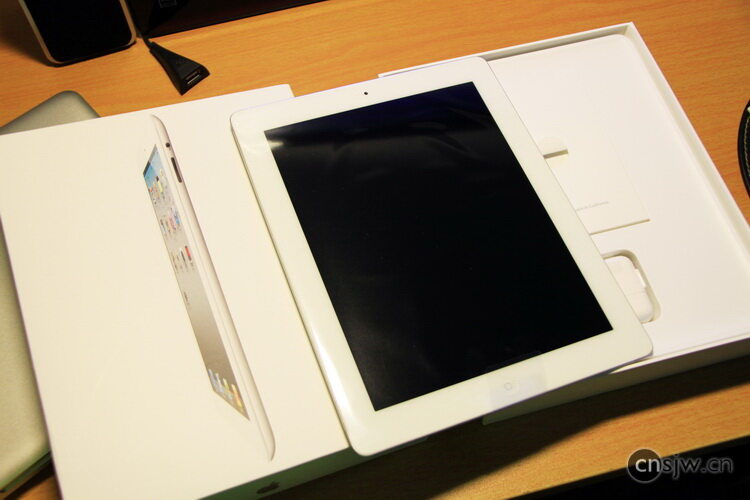
First, here are some unboxing photos. White, 16GB.
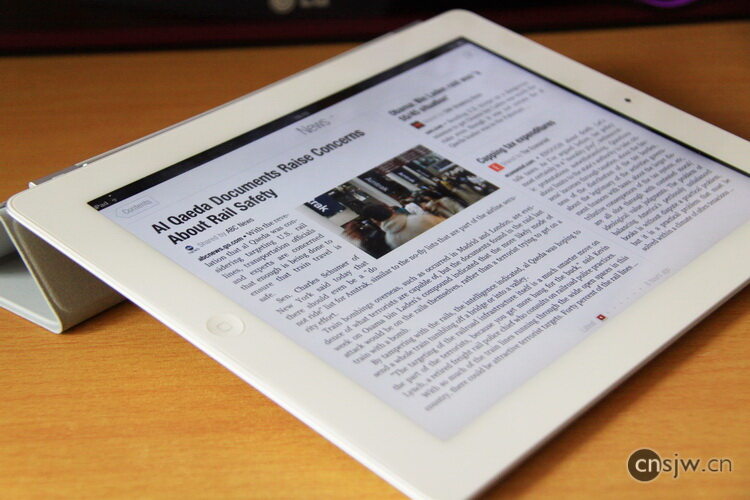
The Smart Cover can prop it up at a very comfortable angle.
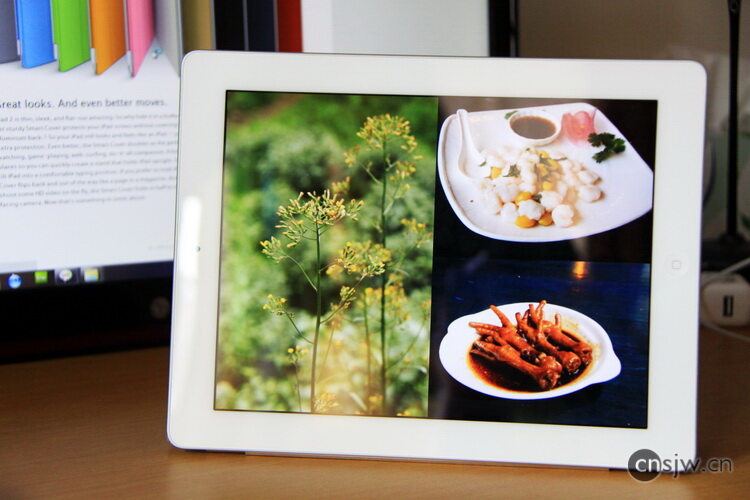
You can also stand the iPad up to use it as a digital photo frame~~~
Now let’s get to the main topic: introducing several excellent apps for the iPad.
Why introduce these apps? Because…Many iPad users in China still don’t know what iTunes is, living their lives without ever having installed or downloaded an app themselves… They get by solely relying on a few dumb, domestic knock-off games pre-installed by the retailer when they bought the device.In that case, you’re completely wasting an iPad.
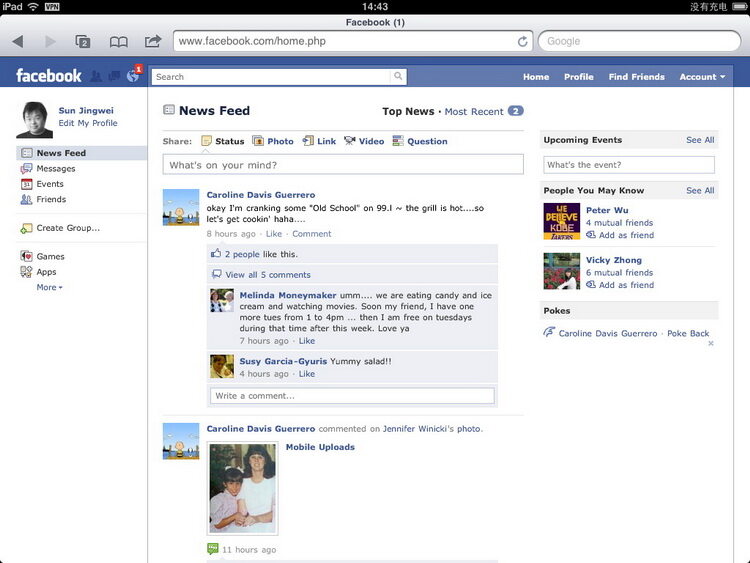
Since the iPad has a 9.7-inch screen, its web browsing experience is far superior to that of a phone or iPod touch. Most websites today are designed for a width of 1024 pixels, so browsing the web on an iPad is virtually perfect. As a result, SNS sites like Renren and Facebook don’t really need to develop dedicated iPad apps, since the mobile web version works just fine. Additionally, I’ve noticed that many websites have optimized specifically for the iPad, replacing Flash with HTML5—especially video streaming sites. Services like Gmail and QQ Mail also offer dedicated iPad-friendly pages better suited for touchscreens.
Accessing Facebook directly via Safari
Accessing Guokr directly via Safari

Accessing Tencent News directly via Safari

With a larger screen, reading takes on new significance; after all, reading on a phone screen can be quite painful. Consequently, numerous excellent reading, magazine, video, and photo apps have emerged~~~~ Lying in bed holding an iPad is much more comfortable than holding a laptop.
Reading:
1. Reeder (Price: $4.99, iPad only; iPhone version $2.99)
View this app in iTunes
A Google Reader client. Since the keyboard shortcuts supported by the web version aren’t available on the iPad, it loses some convenience. Reeder offers various gestures and buttons, making reading Google Reader on the iPad much easier. It also provides a more attractive interface and a more comfortable reading experience than Google Reader itself.
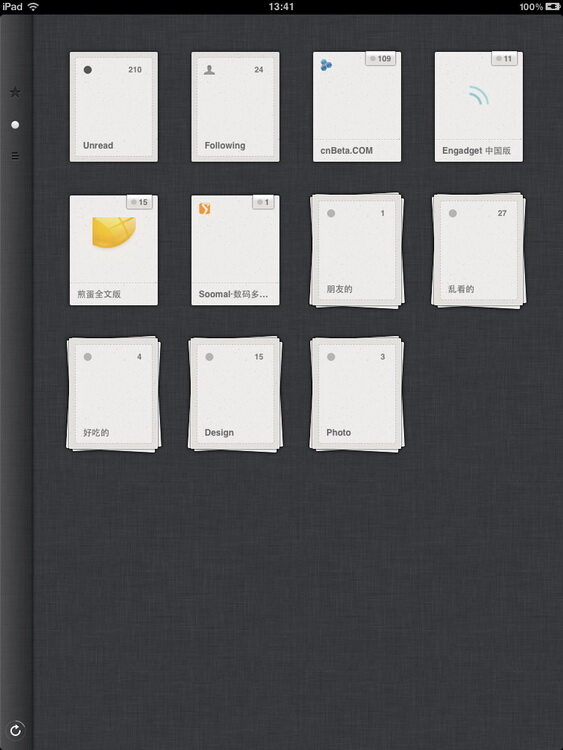
Initially, items are categorized according to folders from Google Reader. Folders containing multiple feeds can be expanded using a pinch-out gesture.
Article List
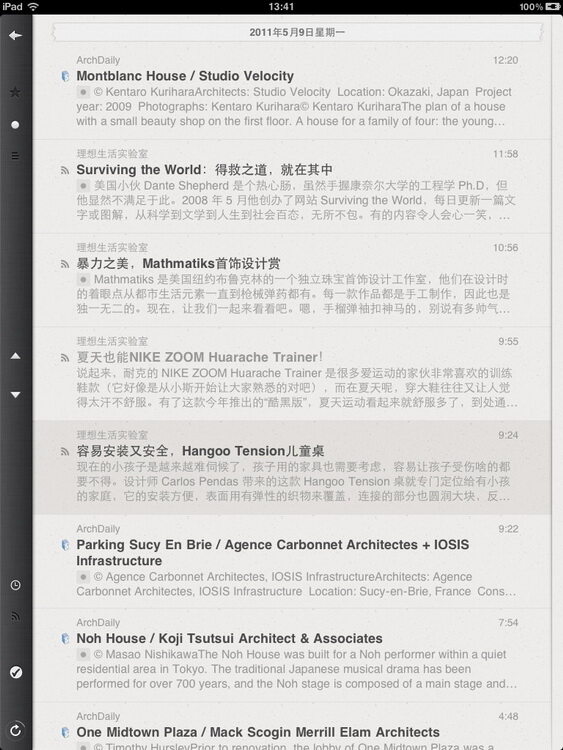
Article content features comfortable spacing and colors. Swipe up to go to the previous article, swipe down for the next article, swipe left to return to the list, and tap the title to open the original page.

Of course, switching to landscape mode is also a great option~~~

2. Flipboard (Free, iPad only)
View this app in iTunes
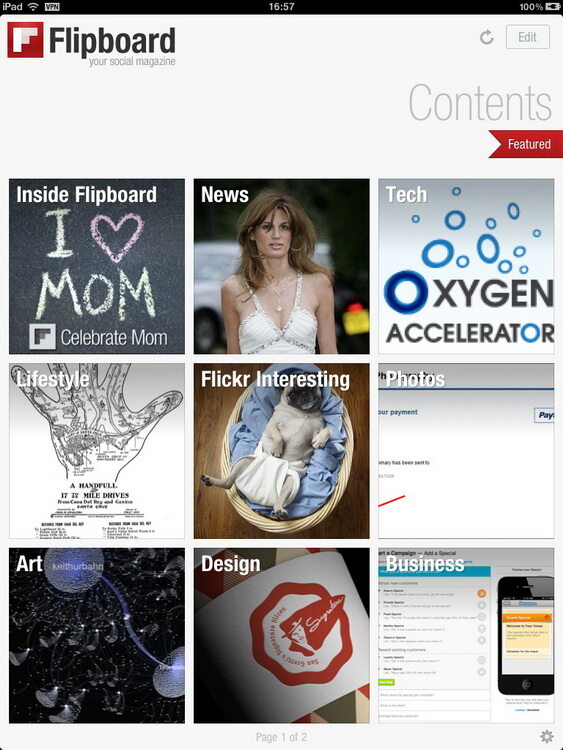
Combine the content you care about into a digital magazine with fully intelligent layout~~~ There are many categories and plenty of content options—a fantastic app.
Cover:

Categories:
Article Title:
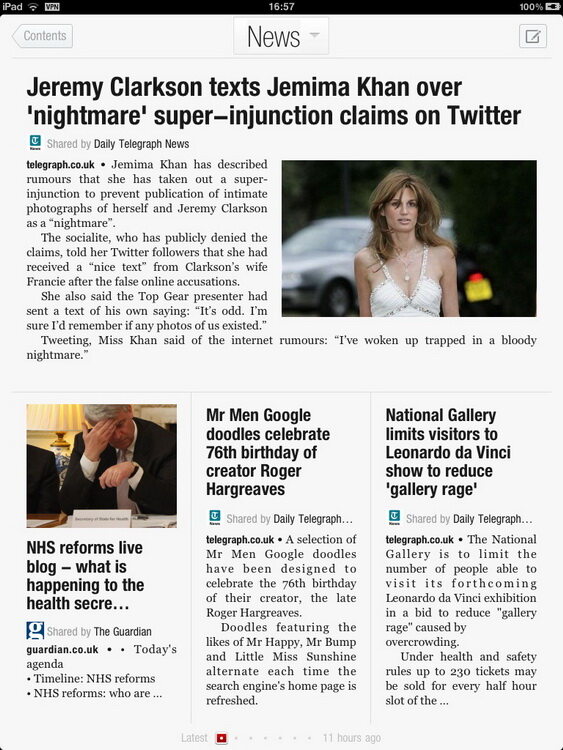
Content
Photos:
1. fotopedia Series
Although this series can also be used on the iPhone, the smaller screen size significantly impacts the experience.
There are currently four apps in the series:
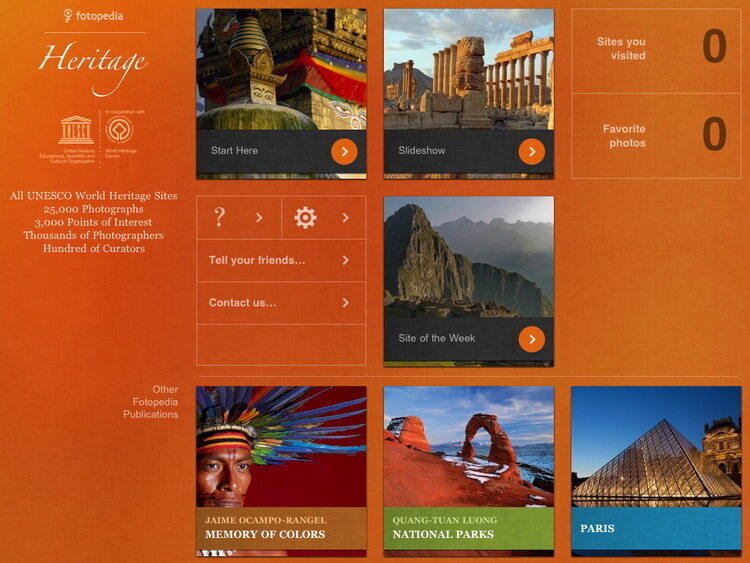
World Heritage: Heritage (Free, available for both iPad and iPhone)
View this app in iTunes
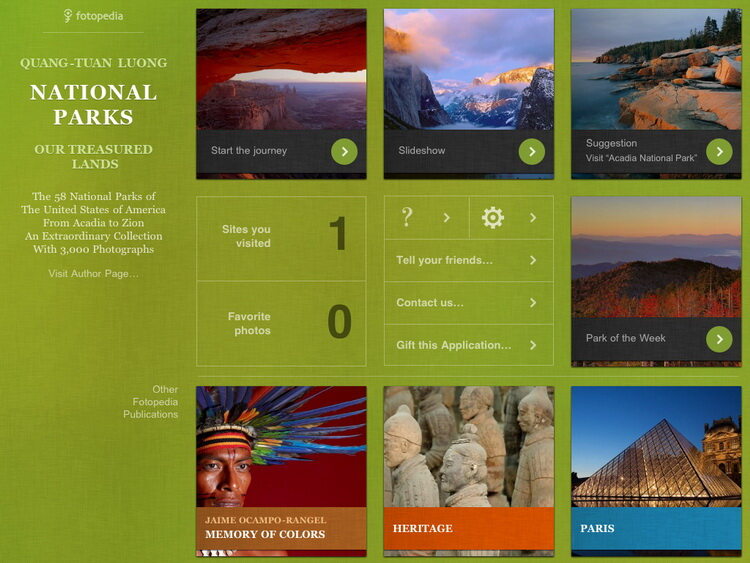
U.S. National Parks: National Parks (Price: $2.99, available for both iPad and iPhone)
View this app in iTunes
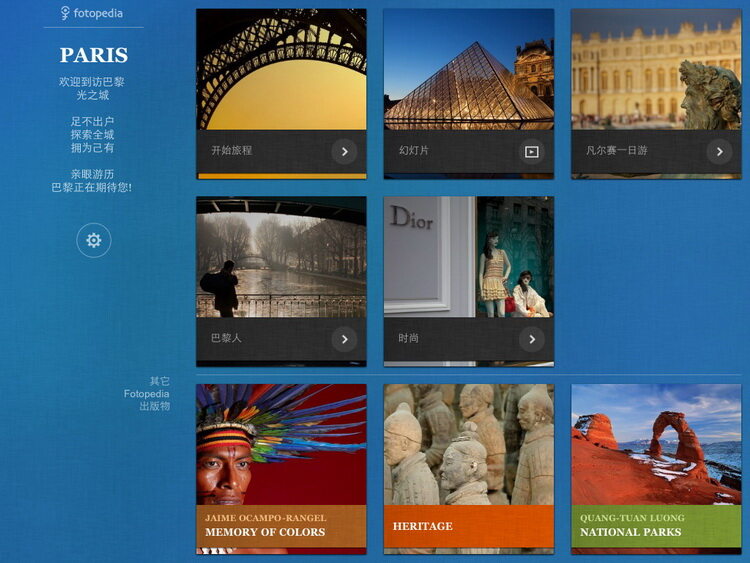
Paris: Paris, currently the only one available in Chinese (Free, available for both iPad and iPhone)
View this app in iTunes
Memory of Colors: Memory of Colors (Price: $0.99, available for both iPad and iPhone)
View this app in iTunes
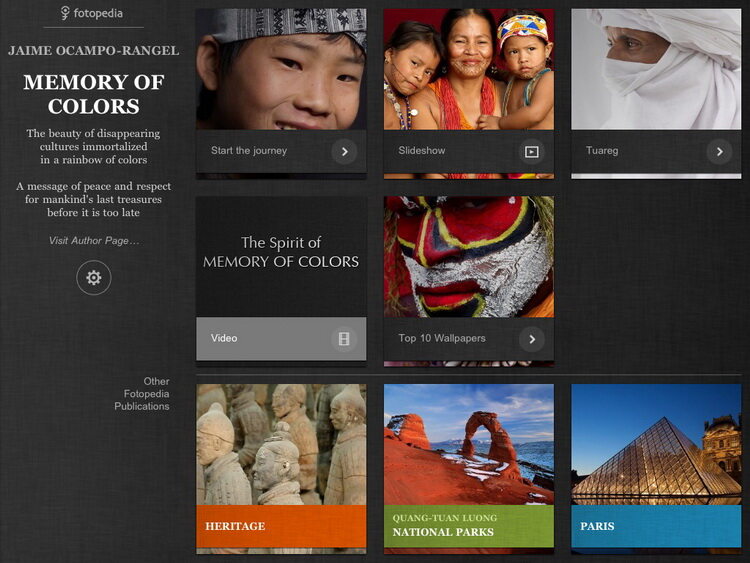
This is an excellent travel app series that also serves as a photographic encyclopedia, with each app comprising thousands of photos. While enjoying the photos, you can read the stories behind them, and of course, save images to use as wallpapers or similar.
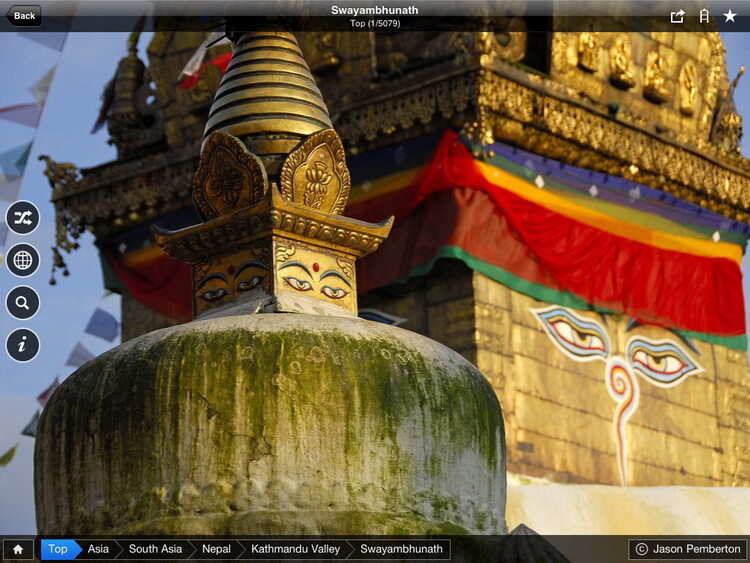
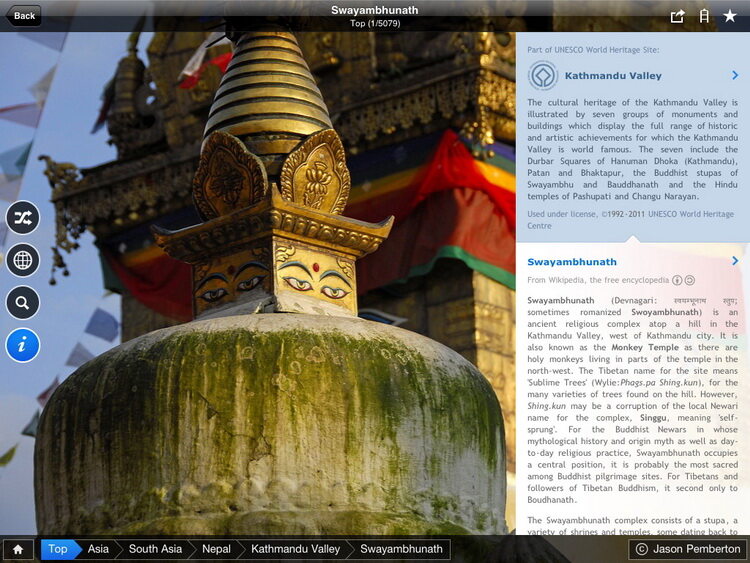
2. Rough Guides World Lens (Free, available for both iPad and iPhone)
View this app in iTunes
Similar to fotopedia, but focuses more on cultures around the world.
Cover:

List:
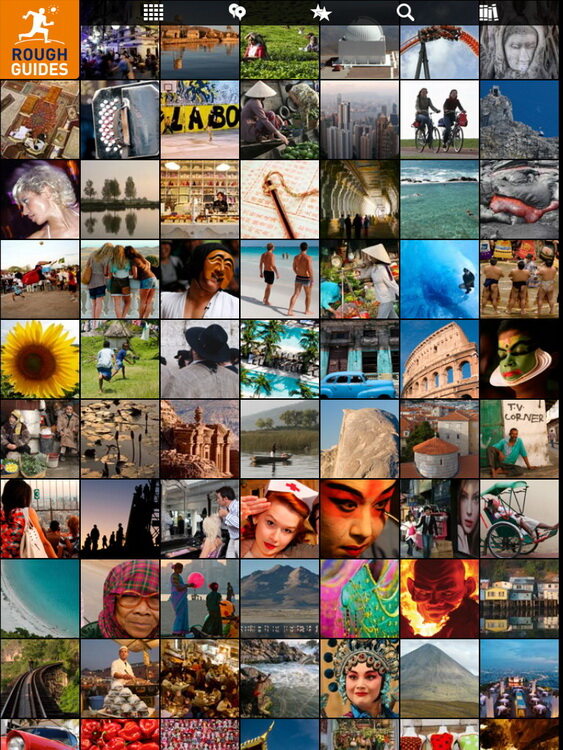
Content:

3. 50 Places of a Lifetime (Price: $1.99, iPad only)
View this app in iTunes
National Geographic’s “50 Places of a Lifetime” features beautiful layouts that fully leverage the advantages of digital media, combining images, animations, videos, interactive elements, and 360-degree panoramas to showcase the unique charm of these destinations.




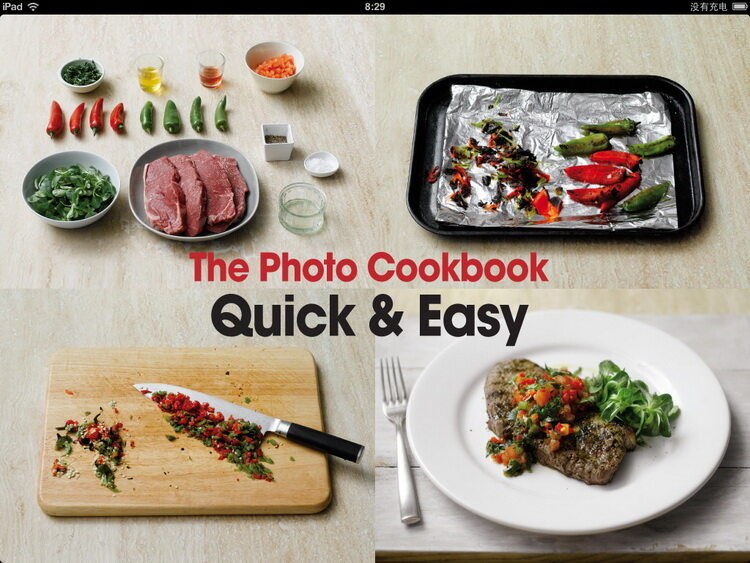
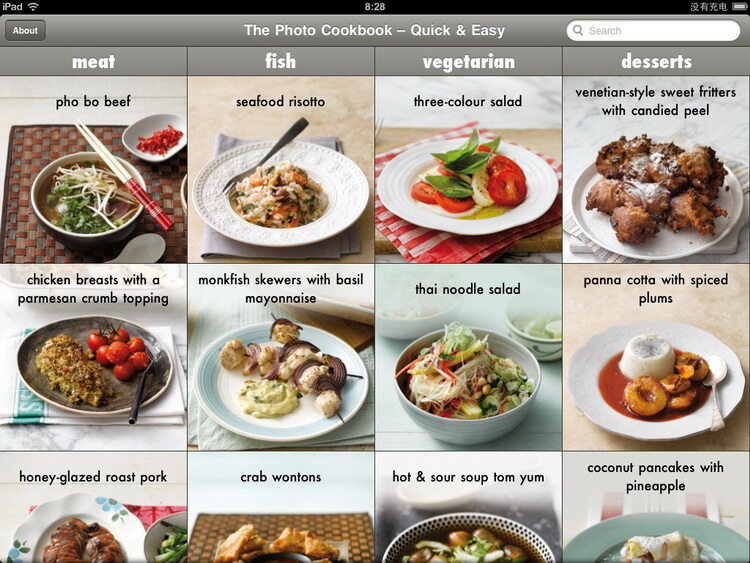
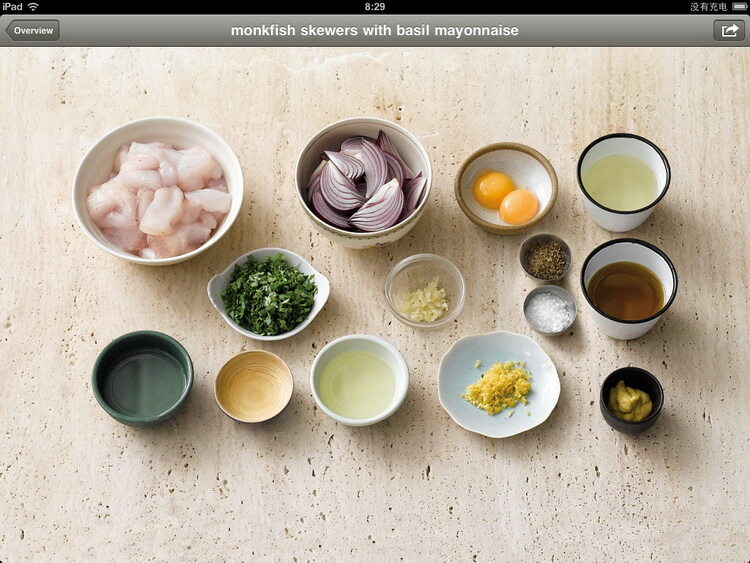
4. The Photo Cookbook – Quick & Easy (Price: $4.99, available for both iPad and iPhone)
View this app in iTunes
Featuring 80 classic Western dishes, this is a beautifully designed app. The series also includes a Baking edition.
Video
Due to internet speed limitations, only domestic services work reliably. These apps are relatively simple, so there isn’t much else to say.
Xunlei Kankan

Qiyi, which offers a wealth of movies and TV shows. Sohu Video also has an app.

NetEase Open Courses, open courses from world-renowned universities; Sina also offers a similar app.

In addition, websites such as Youku, iQiyi, and Sohu Video can be accessed directly via Safari, and videos can be played directly on the web page.

Magazines
1. iWeekly Weekend Pictorial (Free, iPad version only; iPhone version is free)
View this app in iTunes
Already popular on the iPhone, now entering the era of large screens, this is currently the most influential Chinese-language media outlet on iOS.
Both the interface and content are excellent, and it supports offline reading:
Table of Contents:

Features:




2. Free News Media
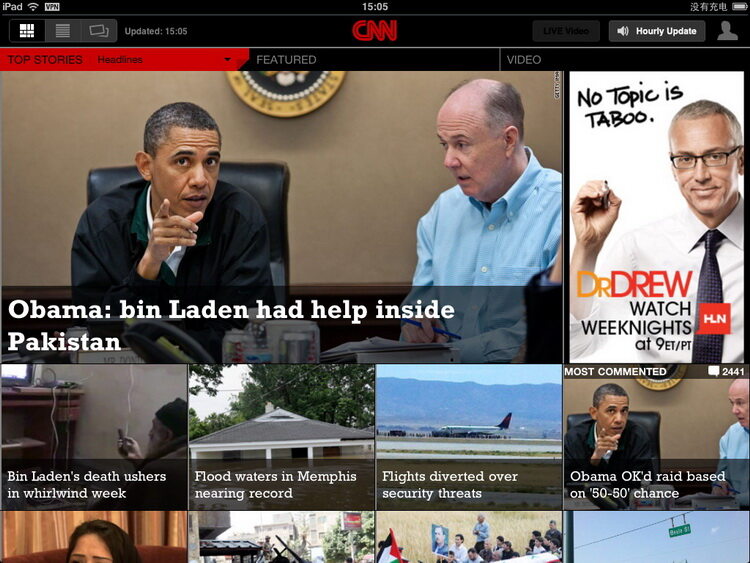
Free apps are typically news media outlets; rather than focusing on monetization, their priority is reaching a wider audience.
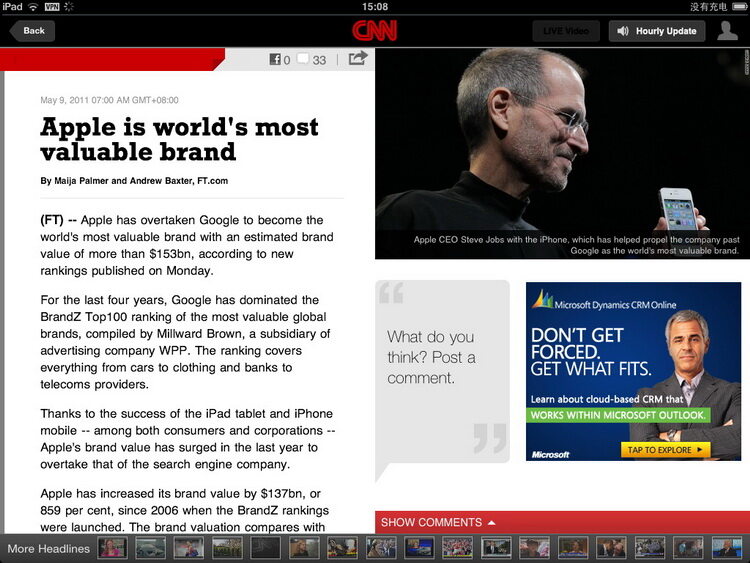
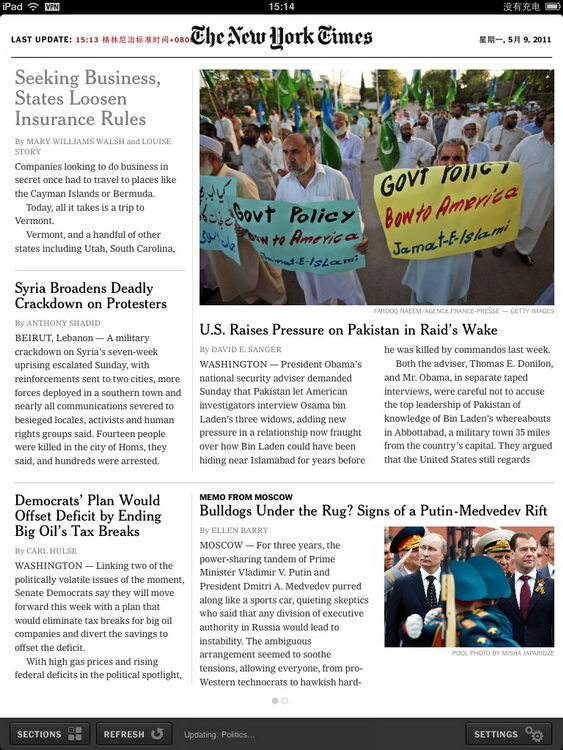
Publications such as Sports Illustrated, China Auto Pictorial, Southern Weekly, Friends of Photography, CNN, and The New York Times all offer apps like this.
3. Paid Magazines
These magazines usually charge by issue and can be purchased directly within the app using an iTunes account. Examples include The Wall Street Journal, Southern Metropolis Weekly, National Geographic, etc.

There are also apps like Sina Weibo, Twitter, Dropbox, WordPress, etc., which hardly need further introduction~~~~

Feel free to share your thoughts—I’ll continue to introduce more great apps in the future~~~


Support