
As usual, for product reviews, you need to use the device for at least half a month before you have enough material to write about. I got both the iPhone 7 and Apple Watch 2 on September 18th, and having used them for over half a month now, I’m sharing my experience in hopes of providing a small reference for those still on the fence.
iPhone 7
Let’s start with the iPhone 7. After using silver iPhones for so many years, I finally switched to black due to a certain magical little reason. The Matte Black on the iPhone 7 is truly black, looking way better than the previous Space Gray. The antenna lines are also hidden as much as possible. Although the exterior doesn’t seem to have changed much from the 6/6S, it really does look much better… Since the 3.5mm headphone jack was removed this time, the package includes Lightning connector EarPods and a Lightning to 3.5mm adapter. The adapter looks incredibly ugly when attached; it’s simply unbearable… Better stick to wireless headphones…
Unboxing photos below:
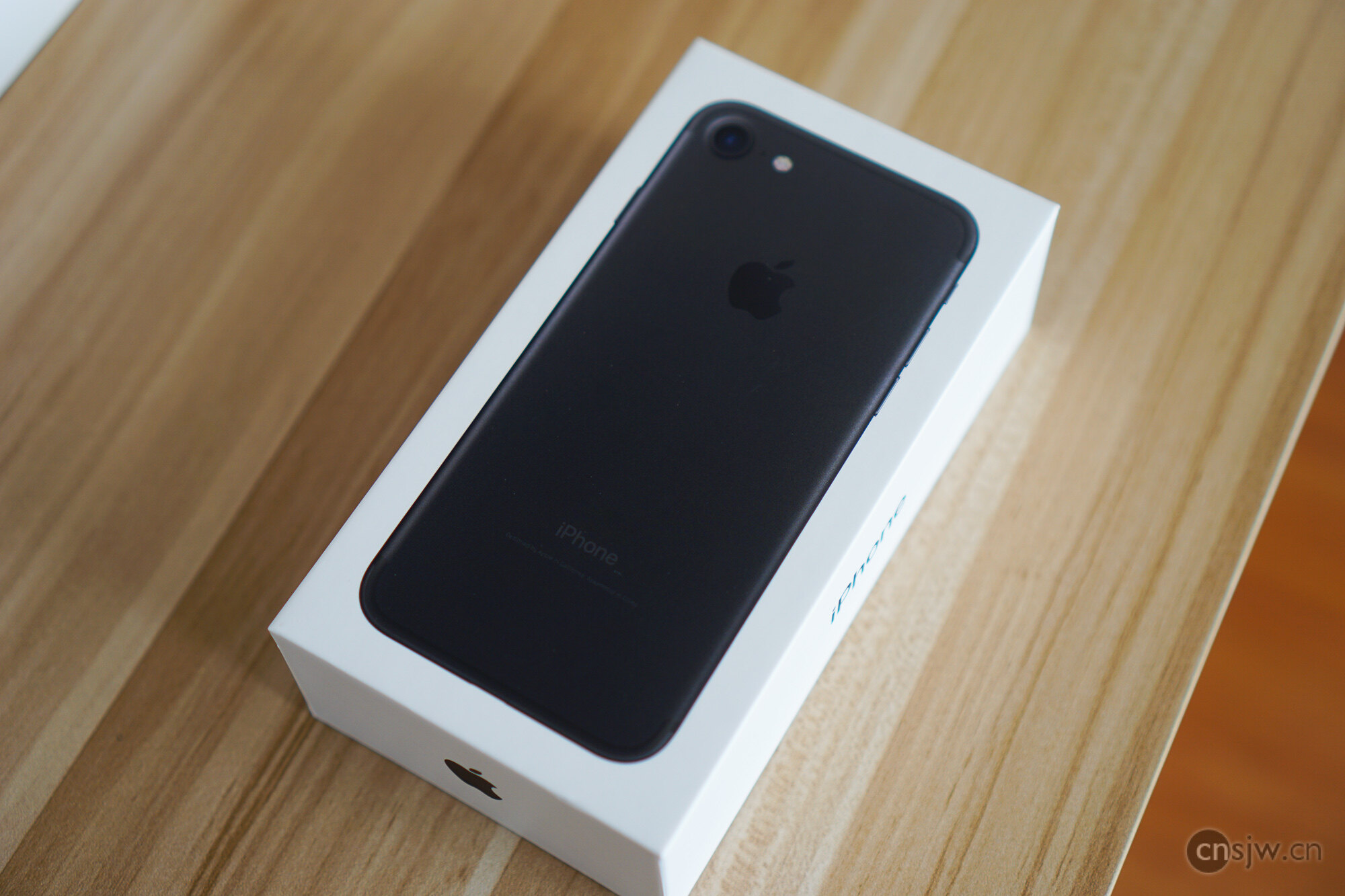
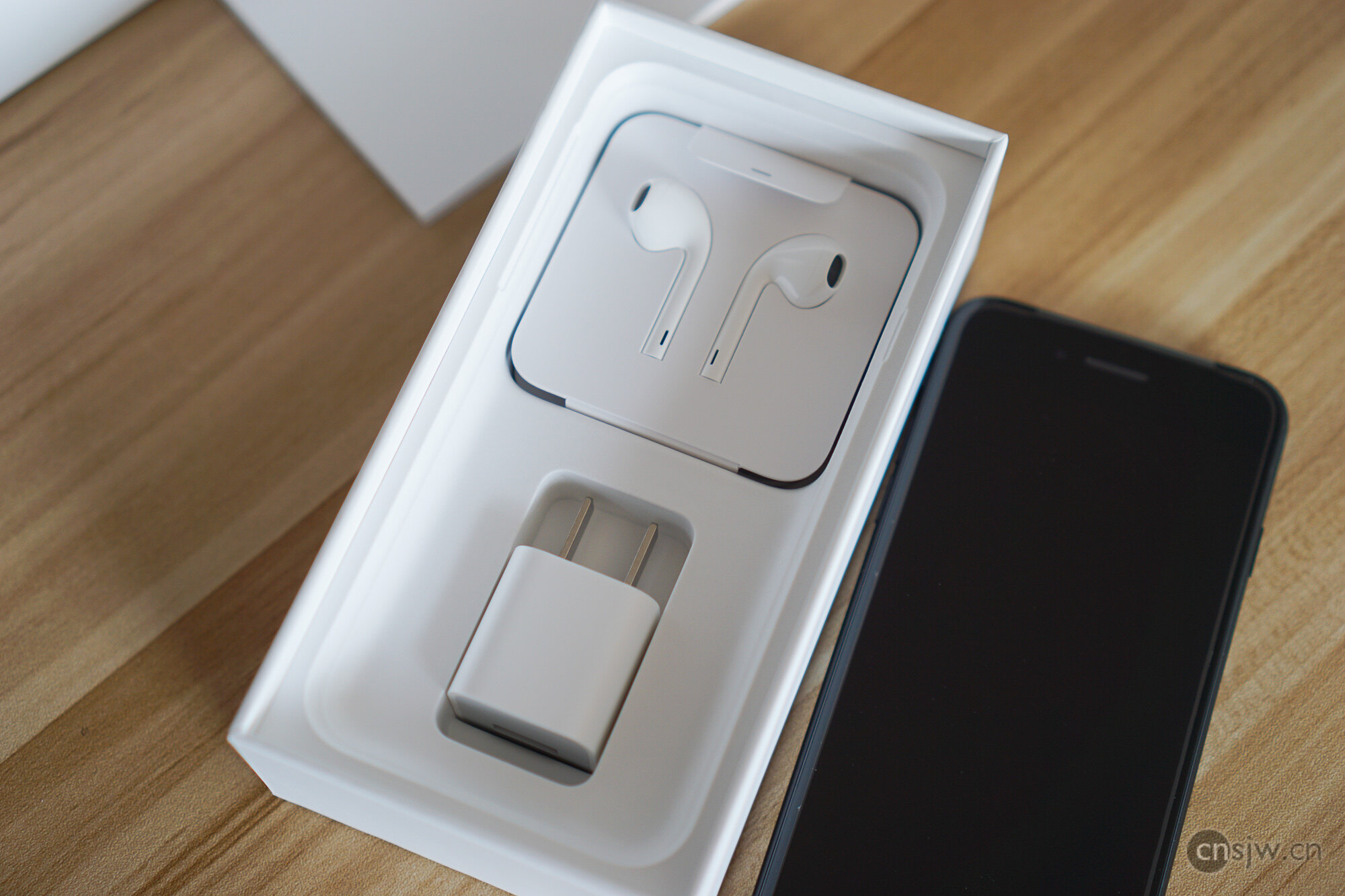
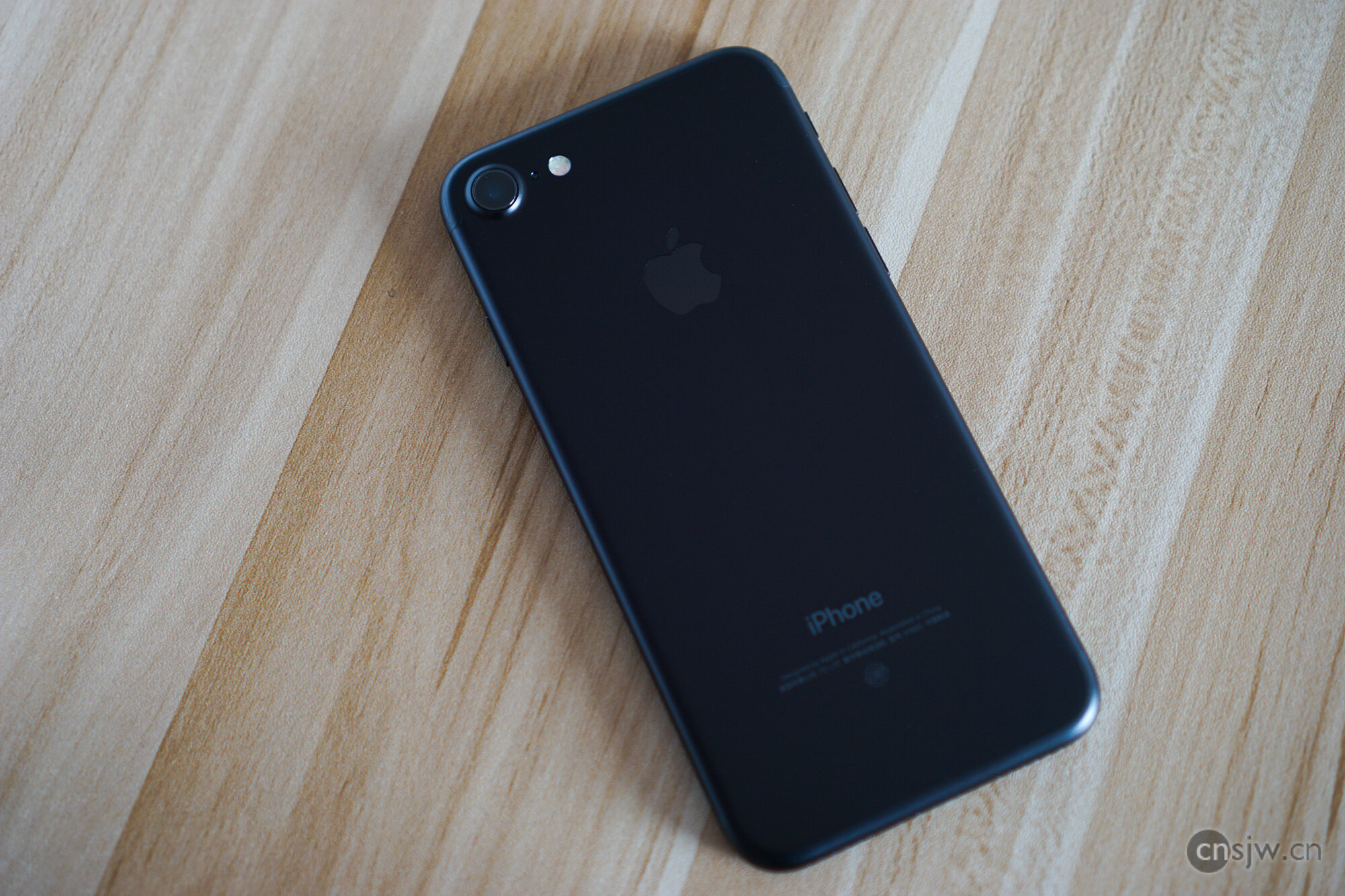
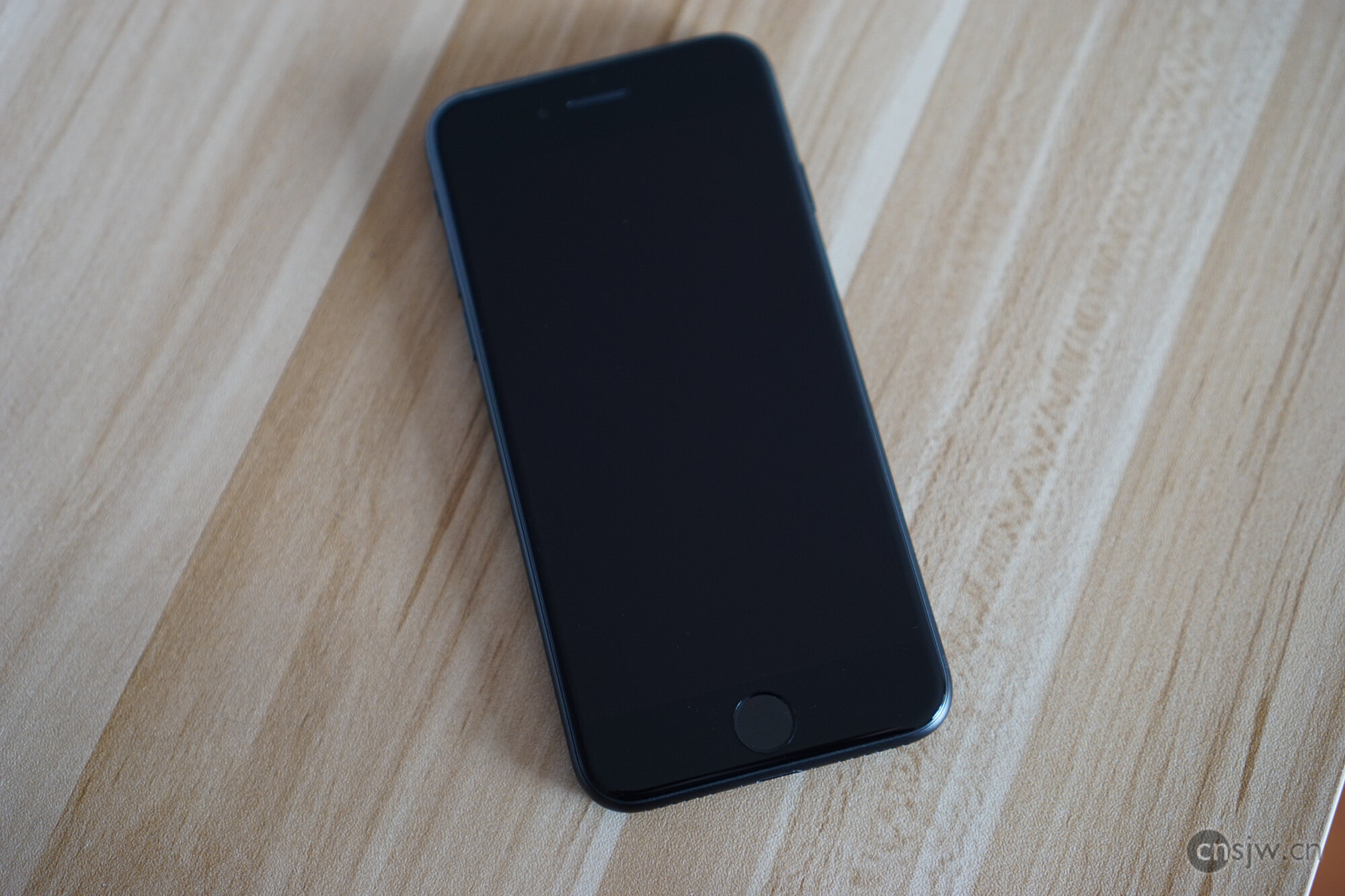
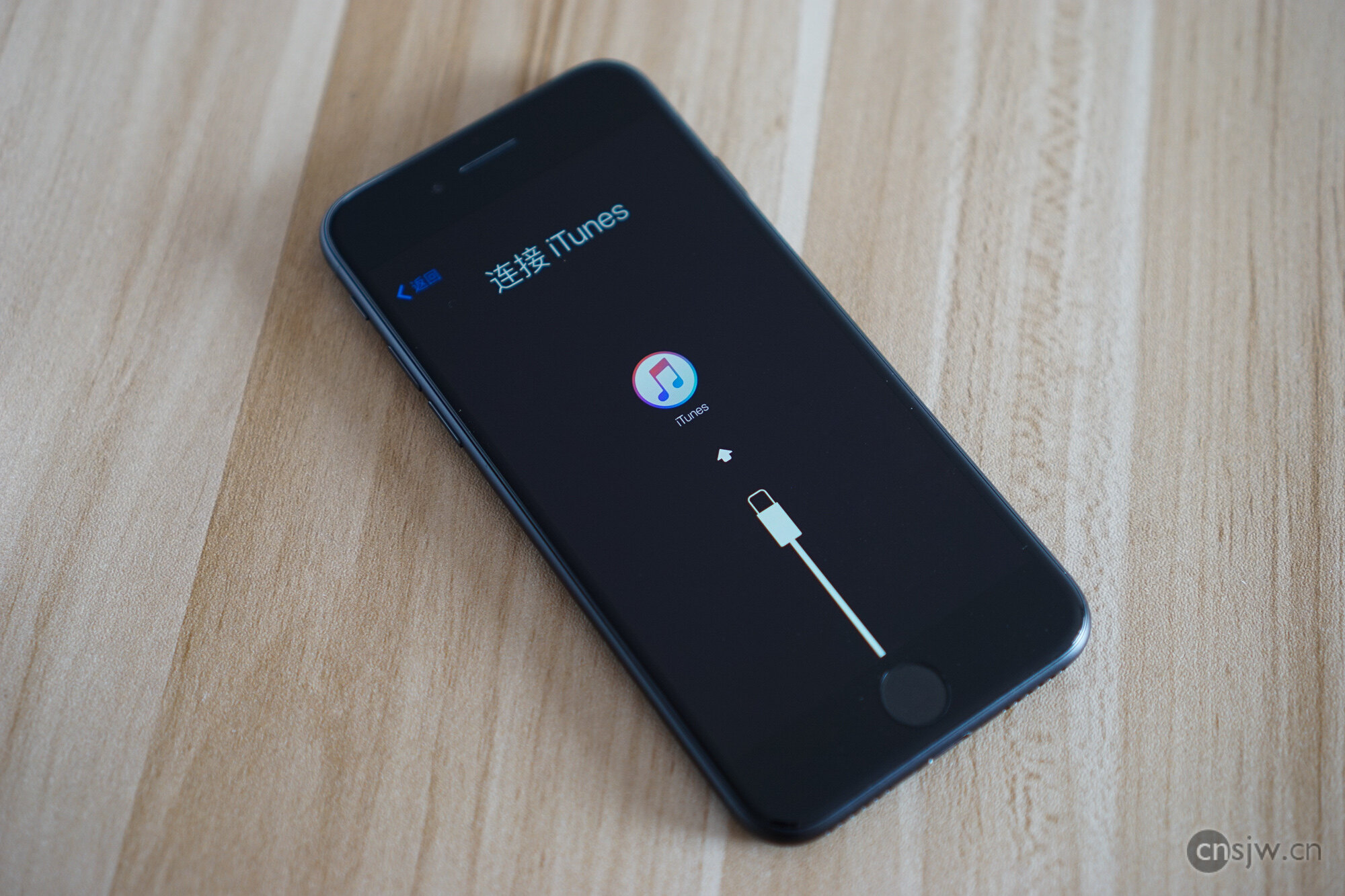
Also, after actually trying out the Jet Black model, I feel it’s better not to choose it. Firstly, the material looks somewhat cheap, more like plastic texture. Secondly, it’s a fingerprint magnet and not scratch-resistant. Apple officially recommends using a case, but the only reason to buy this color is for its appearance. If you put a case on it and can’t see the finish, what’s the point of buying it?… I suggest friends who want to buy the Jet Black model be very cautious; it’s best to check out the physical product in-store before deciding.
Hardware
Let’s talk about the hardware changes compared to the iPhone 6S:
Home Button
The Home button can no longer be physically pressed down, but instead provides a magical haptic feedback that gives you the sensation of pressing it. The feel is absolutely fantastic. The advantage is obvious: at least it won’t break from pressing, and many people can finally get rid of that AssistiveTouch dot meant for accessibility users. The downside is that if the phone is placed on a hard surface, like a table, you won’t feel the haptic feedback when you press it. Also, similar to 3D Touch, it might be prone to accidental touches at first, but you’ll get used to it.
Water Resistance
After water resistance gradually became standard on Android phones, the iPhone is finally water-resistant. Although Apple had already made many attempts at water resistance with the iPhone 6S, they didn’t officially advertise it, so we couldn’t test it ourselves. While the iPhone 7’s water resistance rating isn’t high enough for swimming or diving, you don’t have to worry about spilled drinks or accidental drops into water. Even though Ding Lei did a live stream underwater, water damage is still not covered under the free warranty, so I suggest buying AppleCare+ before experimenting yourself…
Camera
The biggest change for the iPhone 7 Plus is the addition of a second camera. I’ve always thought the main purpose of dual cameras was 3D functionality to judge depth, allowing software to simulate the shallow depth-of-field effect of DSLRs. Unexpectedly, Apple actually implemented this. Although this feature requires iOS 10.1, the demo effects look quite impressive. I still completely fail to understand the point of domestic phones using one color and one monochrome sensor for their dual cameras…
As for the iPhone 7, the biggest change is finally having Optical Image Stabilization (OIS). In terms of actual shooting performance, low-light resolution, noise control, and dynamic range have improved significantly over the iPhone 6S. By this era, compact cameras have truly been replaced by smartphones.
Other minor changes
- Rear camera f/1.8 aperture, front camera upgraded to 7 megapixels
- Quad-LED True Tone flash
- Wide color gamut display reaching P3 standard, 25% brighter
- Stereo speakers with twice the audio output
- 450Mbps LTE connectivity
- Battery life increased by 2 hours, though it feels like less in actual use.
Software: iOS 10
In my opinion, iOS 10 is a truly significant upgrade, especially from a UX perspective. The changes are so vast that it feels like Apple spent a whole year reworking iOS UX design. Introducing the now-popular card-based elements, utilizing hierarchy and switchable cards, the previously cluttered mess of buttons and text has suddenly become much clearer. Various prompts are more distinct, many details have been noticeably improved, and the new notifications are more practical.
Then there are the animations, which are vastly superior to before. iOS 9 animations felt like they were made by someone who didn’t know how to animate, but in iOS 10, they are finally normal, looking smooth and natural.
Additionally, 3D Touch sees broader application. New notifications can be pressed to activate more functions; for messages, you can directly view conversations, preview images/videos, and reply directly. I hope more apps will quickly develop practical features for this API. Several shortcuts in the Control Center also have 3D Touch menus now; the Camera can jump straight to Slow-mo or Video recording, and the Flashlight allows brightness selection.
nThe revamped iMessage is quite fun. Raise-to-Wake works just like on the Watch. Music is more user-friendly, Photos can recognize faces, and there’s spam call identification, so I barely answer nuisance calls anymore. It really has all the features one could want.
Occasional Issues Encountered
- Physical buttons failing: I’ve encountered this many times on the iPhone 7, and many others online have reported it too. Suddenly, all physical buttons stop working while using the phone, making it impossible to unlock. It recovers after a while, or via a force restart. Since the iPhone 7 Home button is no longer physical, the traditional Power + Home force restart combination has changed to Power + Volume Down.
- Slow camera launch: When entering the Camera app, it gets stuck on a blurry screen for a variable amount of time, sometimes requiring you to exit and re-enter.
- Slow Touch ID invocation: Calling up fingerprint authentication within apps is noticeably slower than before.
These should all be software issues, and I hope Apple fixes them soon. Overall, iOS 10 is still a very good system and represents a big step forward.
As for purchasing advice: if you’re currently using a 6S, upgrading doesn’t seem strictly necessary. But if you’re using a 6 or older, definitely upgrade. With so many new features, missing out on them feels like living in the last century~~
Apple Watch Series 2
Finally, a brief word on the Watch 2. Both appearance and packaging are identical to the Watch 1. Unboxing photos below:
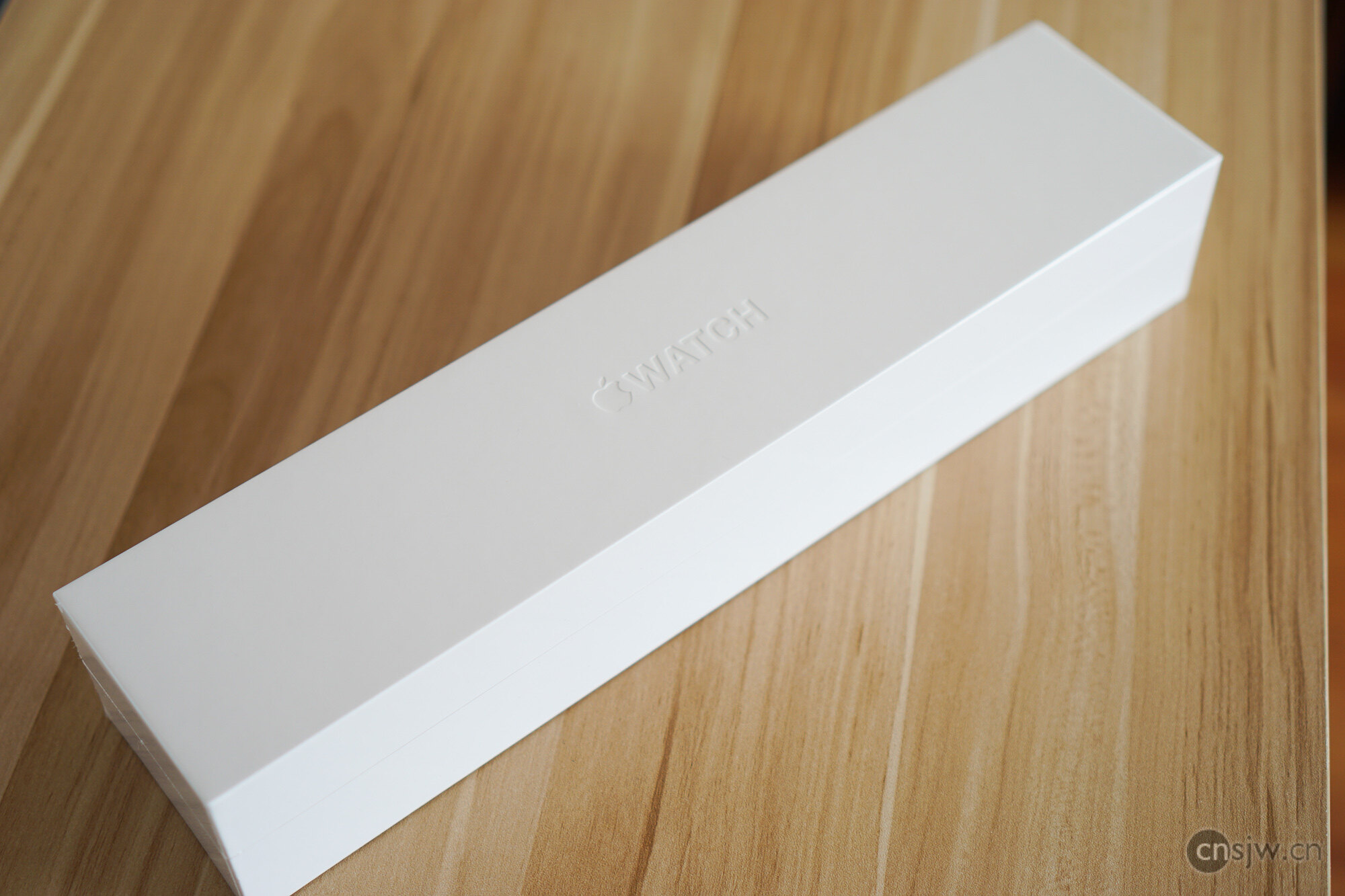
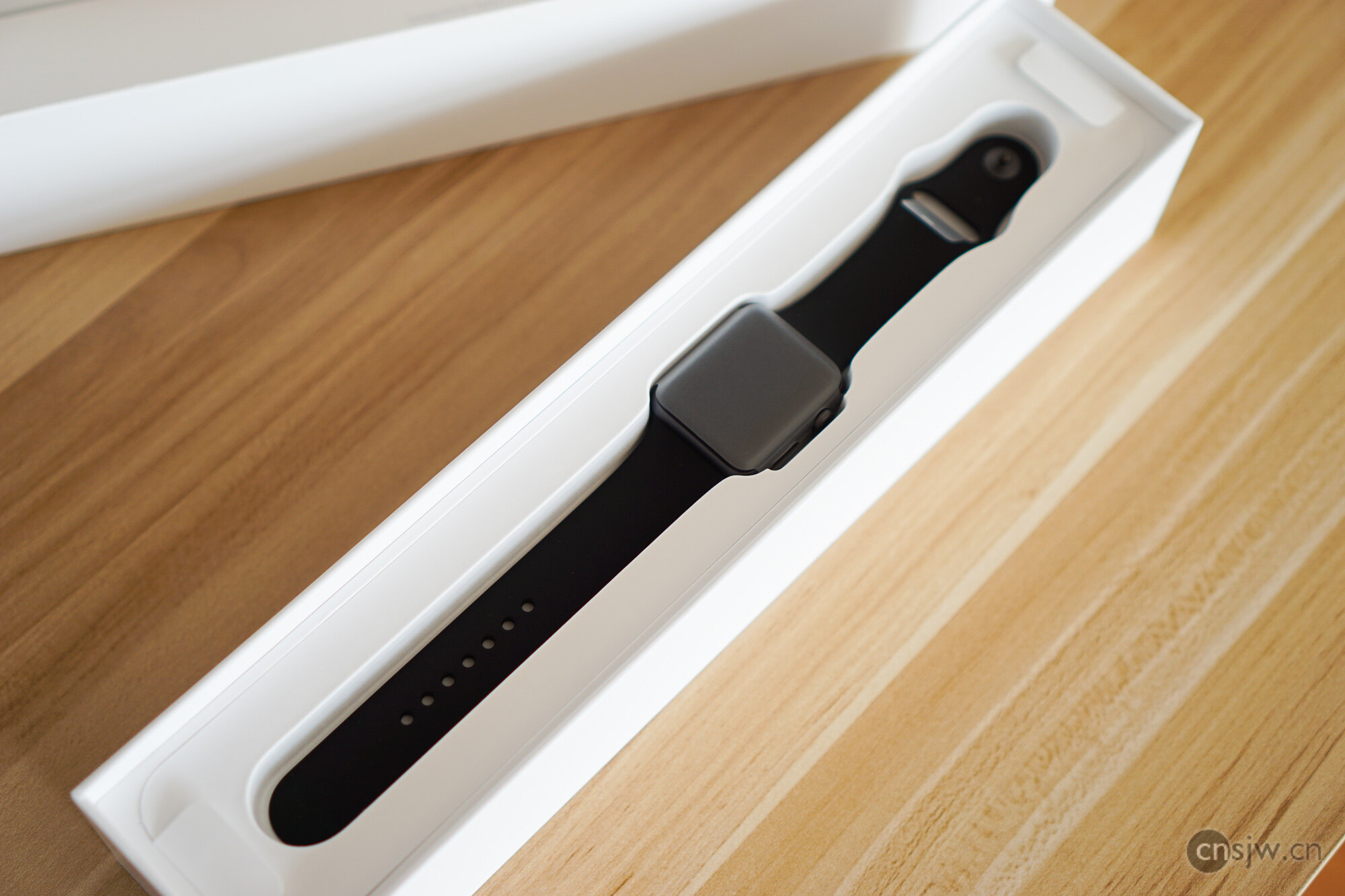
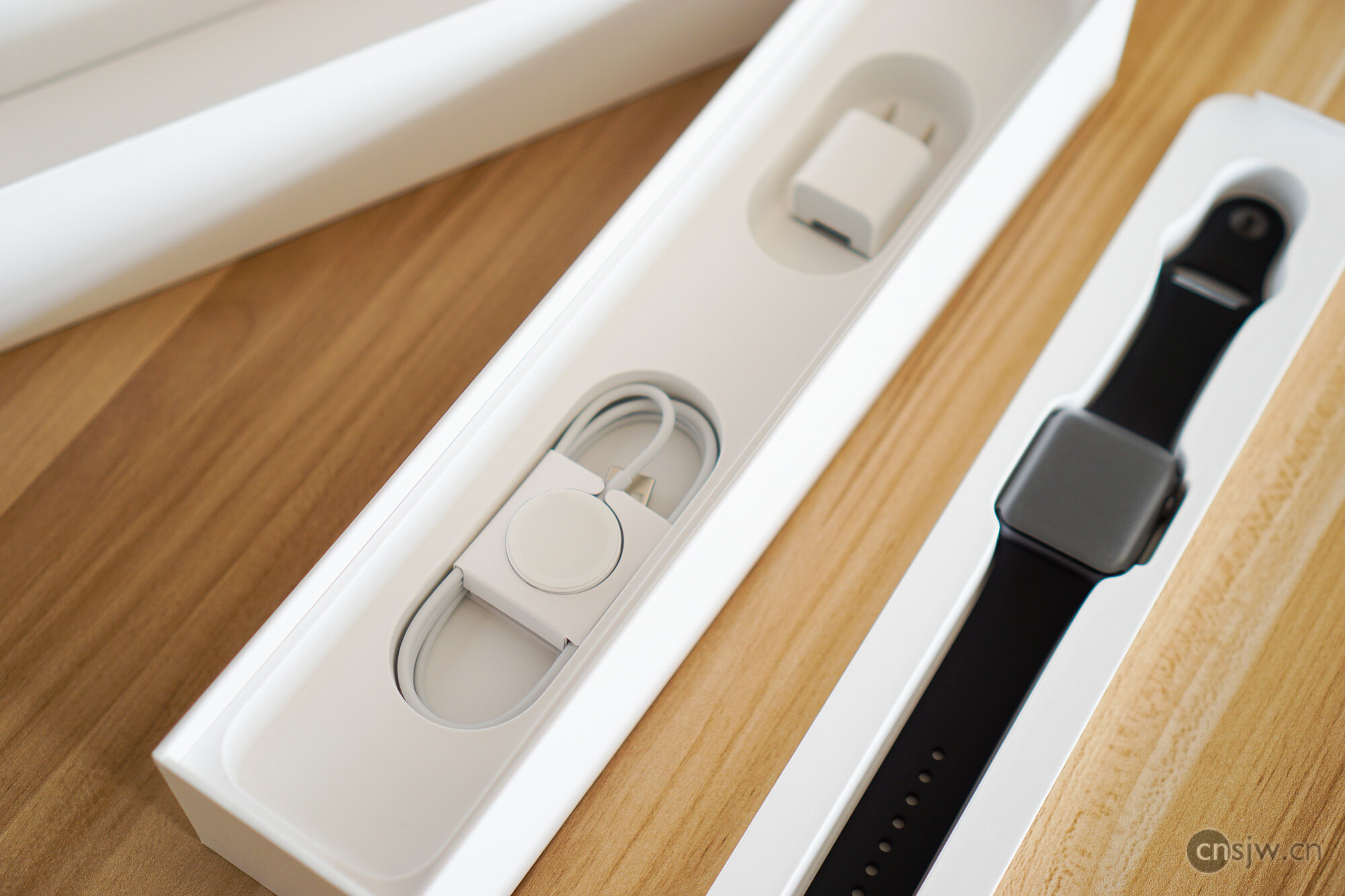
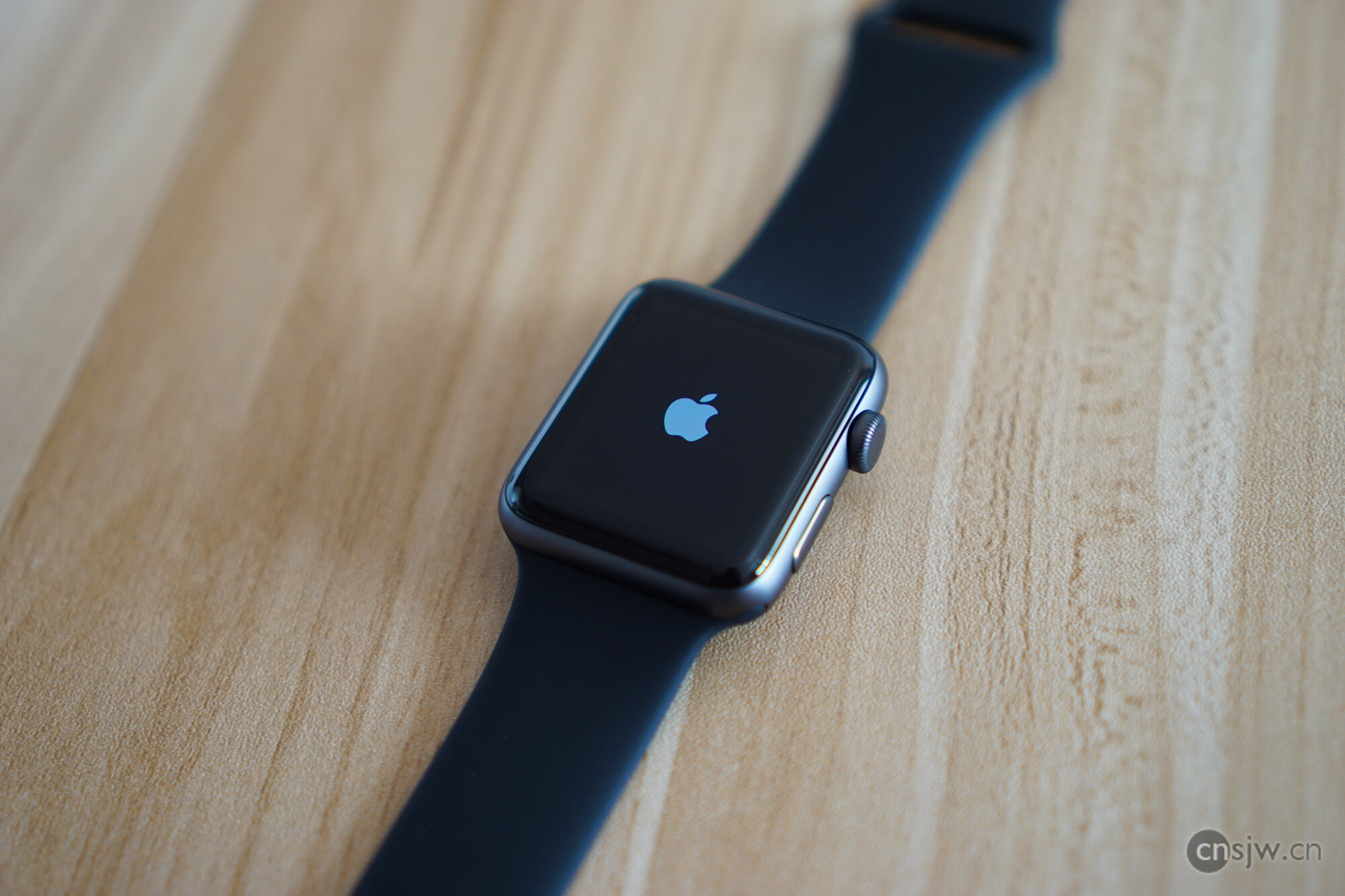
First, let’s discuss the differences from Watch 1:
- Water resistance is finally sufficient for swimming.
- Dual-core S2 CPU offers more than just a slight performance boost. Although speed is only up 50%, app launch times have decreased significantly.
- Built-in GPS
- Screen brightness doubled
- Battery capacity increased by 35%, but since the screen, CPU, and GPS consume more power, battery life remains unchanged.
- 0.9mm thicker and 4.2g heavier; this change is virtually imperceptible.
Paired with the new watchOS 3, the Apple Watch feels much more usable. Although my personal needs haven’t changed, the speed of the Watch 1 was simply intolerable, so the speed boost alone makes it worth buying. For those who swim or want to go running without a phone, it meets their needs even better.
Photos in this post taken with SONY A5100 + 35mm f1.8, post-processed in Lightroom.

Support



Read this article on WeChat