
The Xiaomi Mi 6 is Xiaomi’s latest flagship model. Actually, I haven’t been very familiar with the Android market for a long time, since I’ve always just used a free SIM card from China Telecom in it as a backup phone, basically leaving it at home to gather dust. This situation changed with the Mi 6.
Appearance
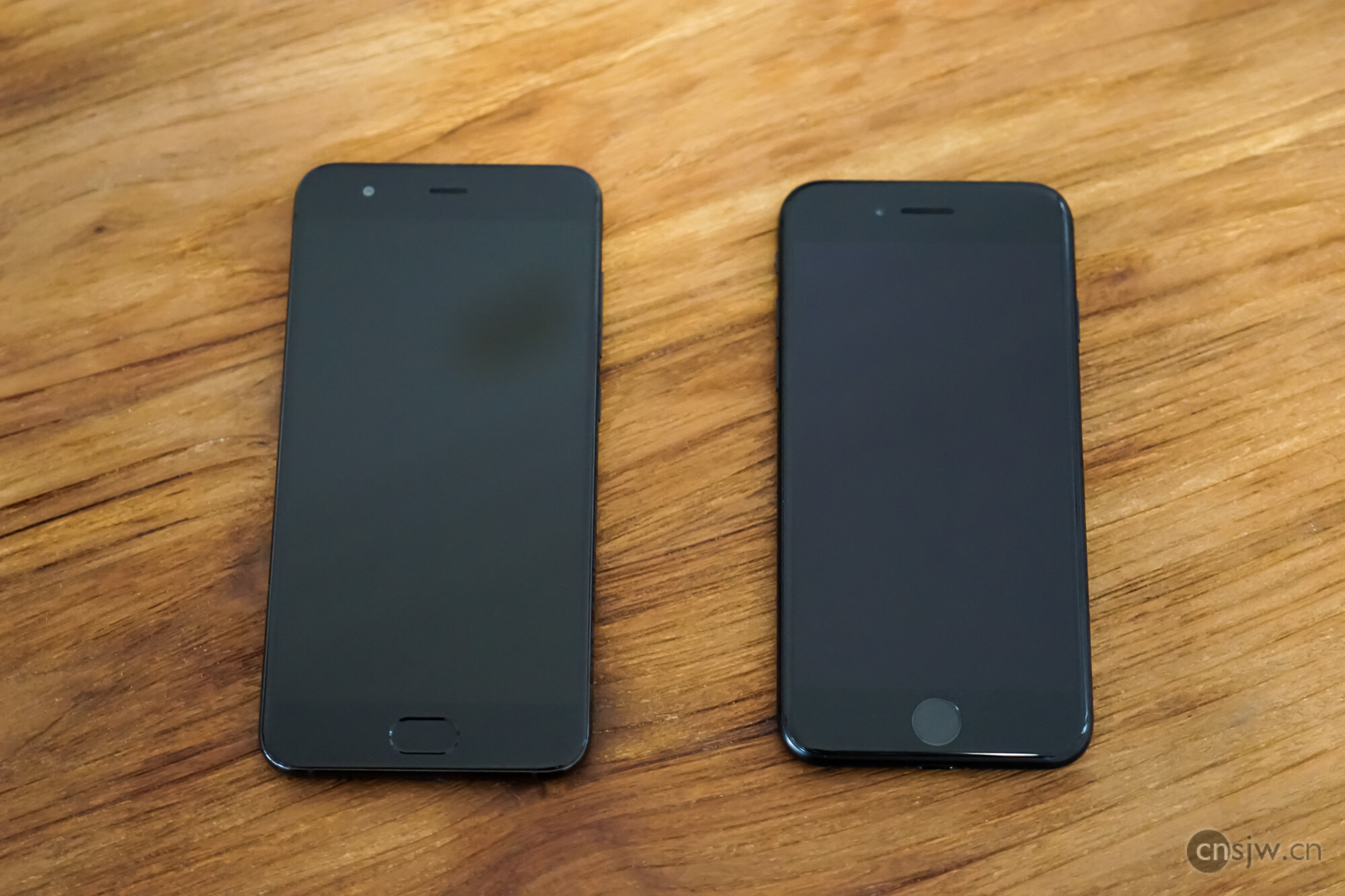
Let’s start with the appearance. Compared to the iPhone 7, it’s slightly larger in size. Specifically, it’s 6.9mm longer (145.2 vs 138.3), 3.4mm wider (70.5 vs 67.1), and 0.4mm thicker (7.5 vs 7.1). In actual use, this slight change in size is almost negligible. However, the difference in weight is significant—a full 30g difference (168g vs 138g), which is 20% of the iPhone 7’s weight. The ceramic version of the Mi 6 is even heavier, weighing 182g.
In terms of design, recently almost all domestic Android manufacturers have been imitating the iPhone’s look, and they are getting increasingly similar—from hidden antenna lines to protruding cameras. Xiaomi, however, still retains some of its own characteristics: a 2.5D glass body, a flush camera, and invisible antenna lines.
The Mi 6 uses a USB-C data port and, like the iPhone 7, has removed the 3.5mm headphone jack~~
Front: Aside from the Home button being an oval on one and a circle on the other, there isn’t much difference.
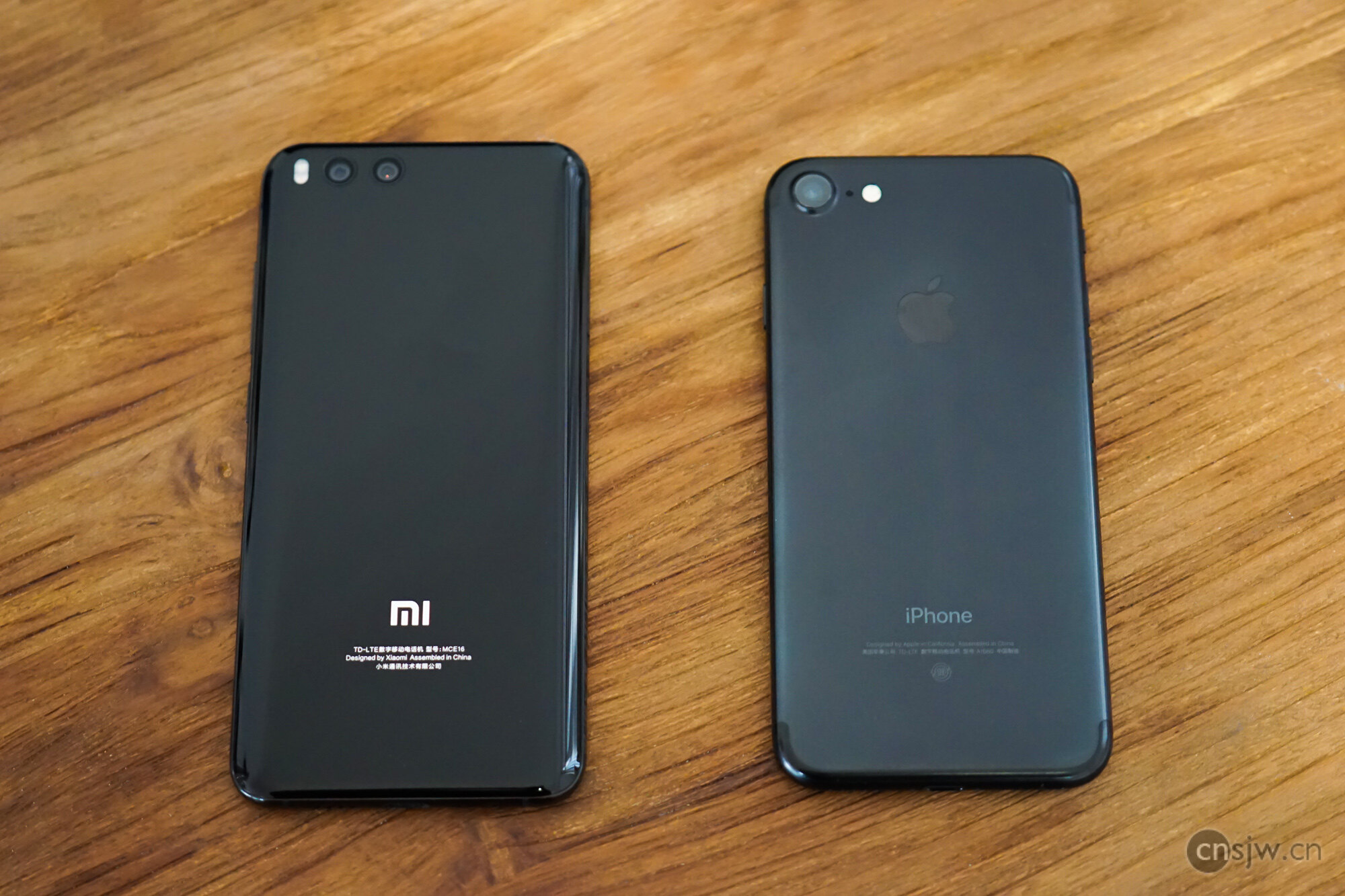
Back: One is glossy black and the other is matte black, so there is some distinction. Also, the Xiaomi logo is glossy, which looks somewhat discordant.
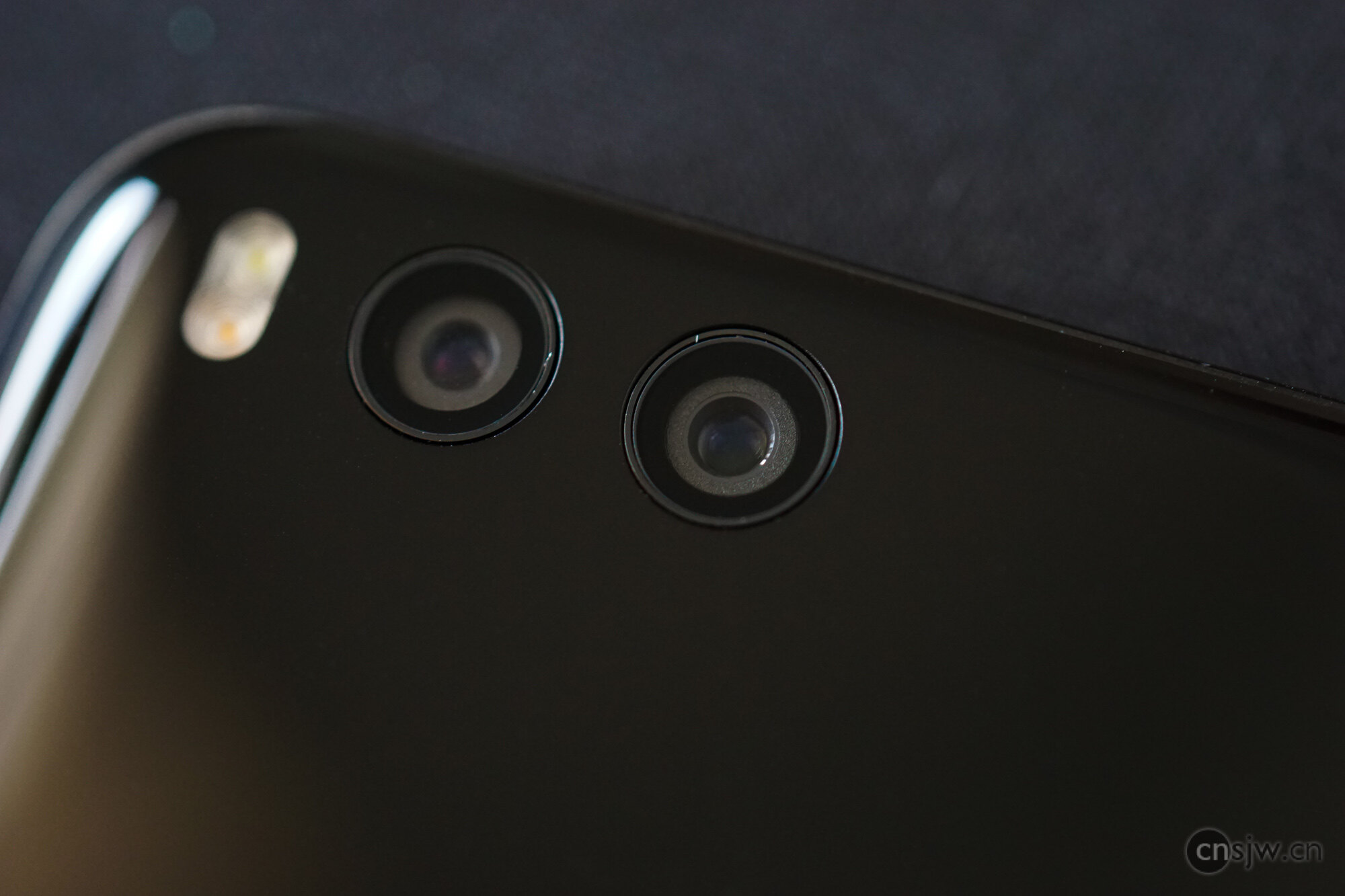
Oh, and Xiaomi finally… made the camera flush… I have to say, the build quality of the Mi 6 is much better than previous generations. However, there is still a noticeable gap between the top back panel and the frame.
Screen
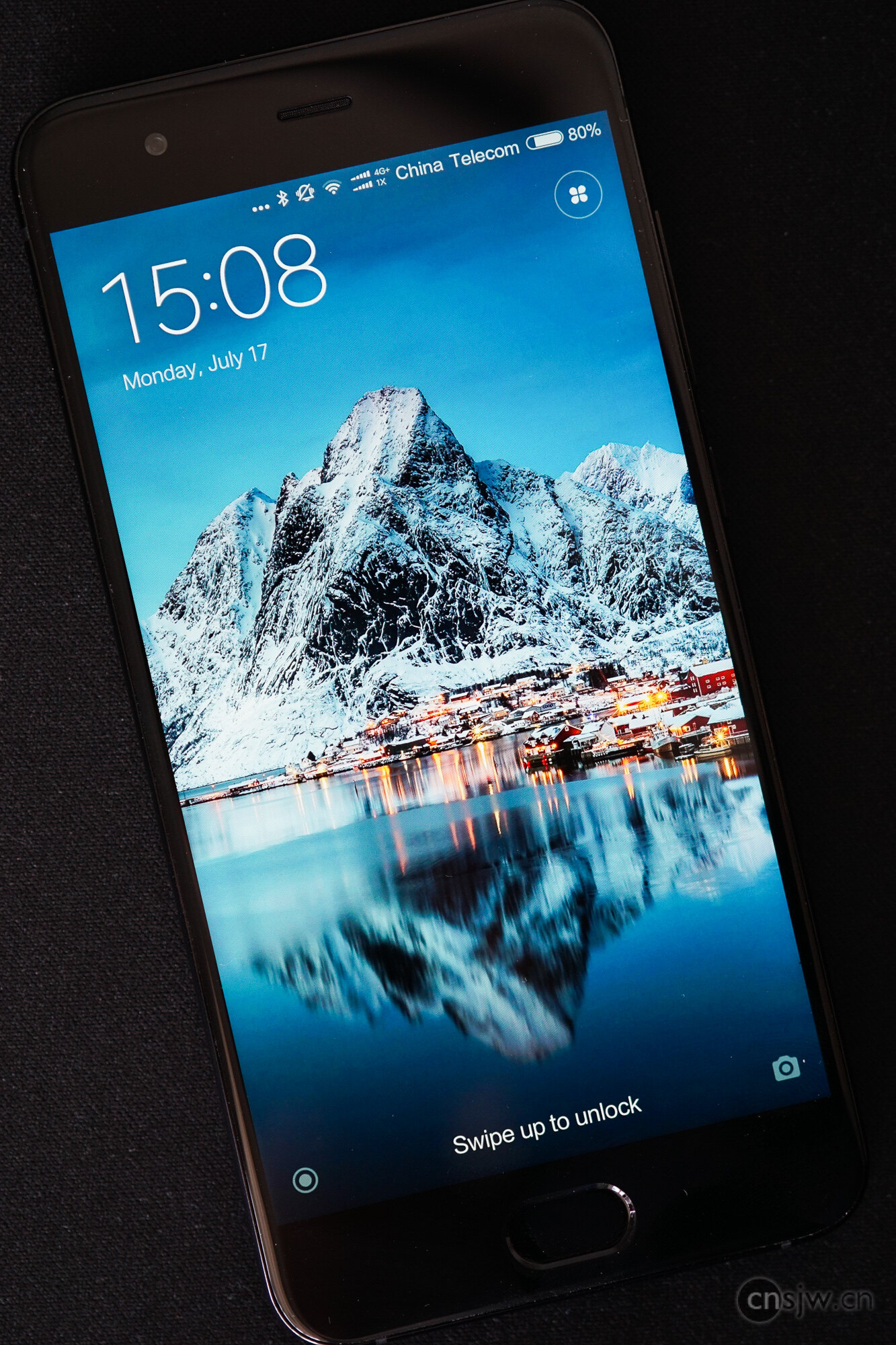
The Mi 6 features a 5.15-inch Full HD 1920×1080 screen. Notably, it does not use a Pentile arrangement, making it extremely sharp at 428 PPI, surpassing the limit of the human eye. So while this isn’t strictly necessary for regular use, it is meaningful for VR display.
The color gamut is quite good; Xiaomi claims it reaches 94.4% NTSC. The software supports color temperature adjustment, allowing you to choose between Enhanced Mode or Standard Mode. In Enhanced Mode, saturation is too high, especially for reds, which appear very vivid. Xiaomi’s own app icons seem to use low-saturation colors to protect users’ eyes, but other apps haven’t done this, resulting in extremely vibrant colors. As for Standard Mode, it doesn’t enhance original colors. Although it claims to restore standard colors, and while the colors are indeed less vibrant, they are inexplicably yellowish.
Anyway, based on my experience, this screen has better color reproduction than their previous products, and certainly much better than the Redmi series.

Physical Buttons
I need to highlight the Home button here. Like the iPhone 7, Xiaomi also adopted a non-clickable Home button this time. Unfortunately, due to the lack of a Taptic Engine, the phone can only provide feedback via whole-body vibration. The difference in actual use is night and day. Although the iPhone’s button isn’t physically clickable, pressing it feels exactly like a physical click. On the Xiaomi, since it’s not clickable, it simply feels unclickable. Moreover, it is extremely sensitive—unlike the iPhone’s 3D Touch, which requires actual pressure to trigger, the Xiaomi button triggers upon mere touch. The gap in this regard is huge… However, it seems no current Android phone has implemented this properly yet, possibly due to technical reasons…
But wow, the fingerprint recognition speed on this Xiaomi… is incredibly fast, even faster than the iPhone 7—so fast that you barely notice it recognizing your fingerprint… However, precisely because of this, Xiaomi didn’t include a lift-to-wake feature. If you want to check the time without unlocking the phone, it becomes very difficult…
As we know, Android phones have two extra physical buttons compared to iPhones: the Menu key and the Back key. Since most Android apps now share the same design as iOS versions, many developers don’t consider Android-specific usage, rendering the Menu key largely useless at the app level; on the Mi 6, it brings up recent apps. As for the Back key, for a screen of this size, it is genuinely much more convenient than tapping the back arrow in the top-left corner… But these keys are capacitive/virtual, making them very prone to accidental touches, especially when gaming—a single mis-touch could exit the game…
Additionally, palm rejection is poorly implemented. In iOS, for example on an iPad mini, you can rest half your palm against the screen edge and still operate normally. For a phone with such a high screen-to-body ratio as the Mi 6, it’s unrealistic to hold it without your palm touching the screen at all. Yet in this scenario, the phone becomes completely unresponsive. The gap here is also massive…
MIUI
With MIUI 8, I’m not sure what direction Xiaomi took, but the system started including tons of ads. However, reportedly due to user complaints, many ads can now be disabled. MIUI 9 is coming soon, so hopefully there will be fewer ads. But apart from that, overall the system is pretty decent.
SMS
First, for security reasons, MIUI prohibits all apps from reading SMS messages, which provides greater peace of mind. Similarly, MIUI disables direct USB file access by default; it must be enabled in Developer Options.
Also, MIUI handles verification codes very well. When an SMS containing a verification code arrives, you can copy the code directly from the pop-up notification. The corresponding SMS content is also displayed in a different format, making it easier to identify the verification code.
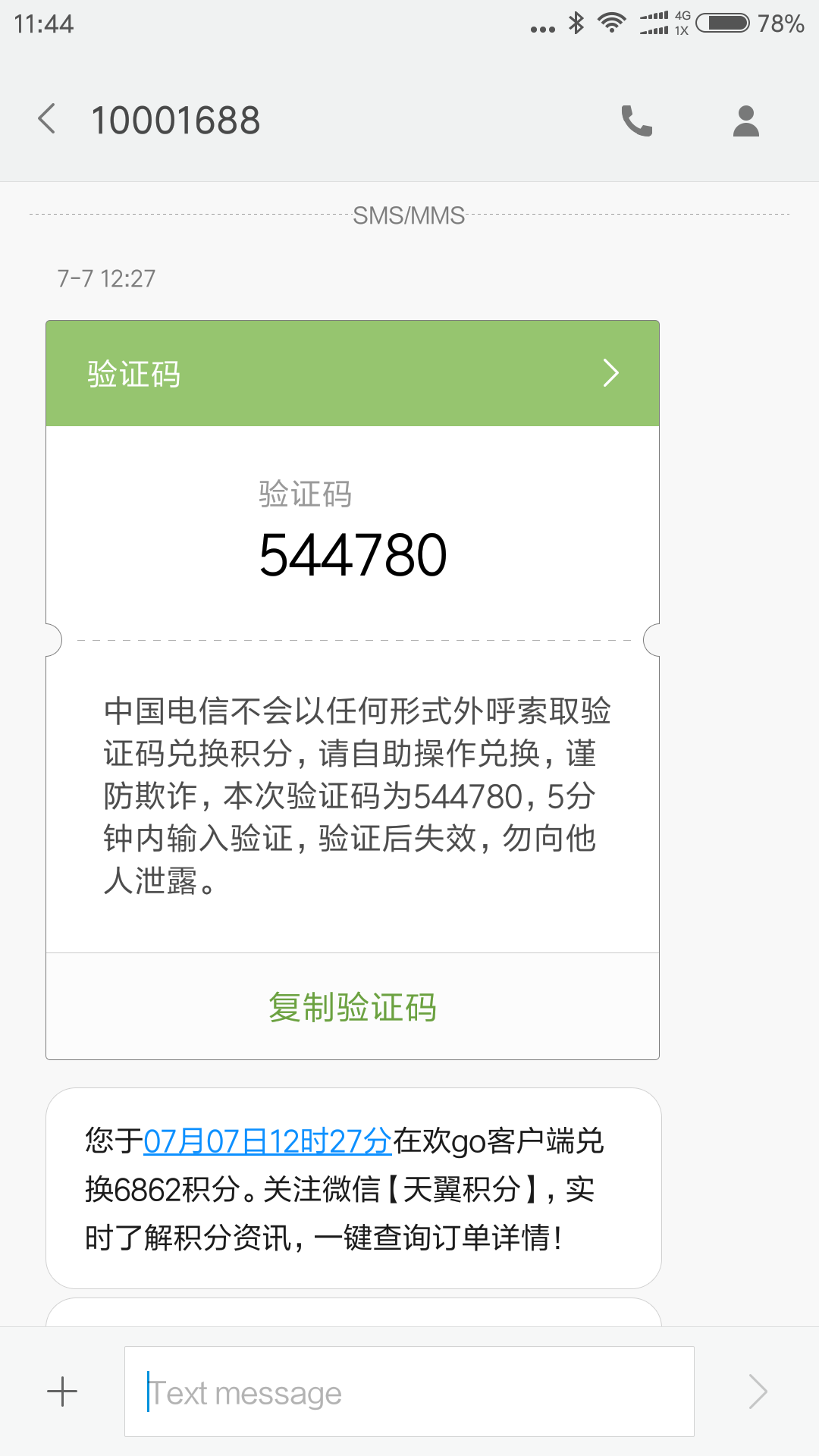
MIUI also integrates services for certain service accounts. For instance, you can top up your balance directly within the China Telecom number interface. It’s quite convenient.
Video Calls
The connection efficiency is far superior to FaceTime. Although the video clarity is average, surprisingly, it includes a built-in remote assistance feature, which is a powerful tool for helping parents troubleshoot phone issues.
NFC
Actually, the main reason I bought this phone was to use the transit card function. But… right after getting it, I saw that Beijing and Hangzhou were waiving the card issuance fee, so I activated them immediately. Then, when trying to activate the Shanghai Transit Card, it prompted a conflict with the Hangzhou card and wouldn’t let me proceed. Since the Xiaomi transit card functions as a physical异形卡 (special-shaped card), all issuance and transaction permissions lie with the transit card company. Currently, none of these special-shaped cards can be refunded. Even flashing the ROM won’t reset the transit card status, nor can you forfeit the remaining balance… The only solution is to switch phones…
Xiaomi officially states they are working hard to solve this problem technically, but there’s no telling when it will be resolved… So my wish to use this as a transit card won’t be realized anytime soon…
However, at least it is a phone with NFC capabilities. Besides Mi Pay, which is similar to Apple Pay, various apps can read cards directly. For example, the Octopus app can read the balance and transaction history of an Octopus card, and the Shanghai Transit Card app can top up a Shanghai Transit Card directly.
Mi Home
On Android, the Mi Home app has permission to manage Wi-Fi connections, making it much more convenient to use than on iOS. When connecting new devices, the process is fully automated, eliminating the need to manually connect to the device’s Wi-Fi. Furthermore, the Android version of Mi Home offers more features than the iOS version. For instance, lights support turn-on and brightness adjustment simultaneously, whereas on iOS this functionality has always been clunky…
Virtual SIM Card
As a small carrier, being able to purchase a virtual SIM card directly in system settings to use as a secondary data SIM is very convenient. Xiaomi’s data plans are cheap; out-of-plan nationwide data costs only 10 RMB per GB. In-plan data is even cheaper~~~
Conclusion
First off, it’s really smooth… Finally jumping straight to 6GB of RAM means most apps run just as smoothly as on the iPhone 7.
Despite the larger size, increased thickness, and removal of the headphone jack, they managed to fit in a 3350mAh battery, whereas the iPhone 7 only has 1960mAh and the 7 Plus only 2900mAh… In actual use—basically browsing the web, using hotspot, and occasional gaming—I only consume about 40%-50% battery in a day~ And because I have this phone, I use my iPhone 7 less, so now the iPhone rarely needs charging during the day either…
As for the camera, Xiaomi’s cameras have really always been… their weak point, especially on the MIX, which was a disaster. This time, although it has dual cameras and the overall processing mode mirrors the iPhone 7 Plus, low-light performance is still mediocre. However, in bright outdoor environments, it performs very well. Sample photos on Xiaomi’s official website show that all their samples were taken outdoors. It also has a Portrait Mode with shallow depth-of-field effects. The results are acceptable; actually, the depth of field isn’t as shallow as on the iPhone 7 Plus, but since this is software-based, maybe adjustable depth of field will come in future updates.
Overall, this phone’s performance is definitely worth its price. After all, at only 2500 RMB—less than half the price of an iPhone—the hardware is very impressive. Given that, one can’t demand perfection regarding the user experience issues mentioned earlier.
Finally, Let’s Talk About Android
Before purchasing this phone, I researched all other major phone brands on the market multiple times and conducted a brief review of their system UX and UI.
The BBK Group (OPPO, Vivo, BBK) follows a path of thoroughly copying the iPhone, from appearance to UI, copying icons and interfaces until they are identical… Their specs are average, focusing mainly on photography or music, relying heavily on marketing operations.
Samsung truly has the technology and money; the S8 is genuinely stunning. However, precisely because of its oversized screen and screen-to-body ratio, many aspects of the system remain unoptimized. Its OS feels more like an unfinished semi-finished product. Moreover, its positioning falls outside my consideration range; no matter what, it’s still an Android phone, and I’m not ready to replace my primary phone with an Android yet.
As for Huawei, I find them somewhat puzzling. Build quality is average, design is average, and the software interface can only be described as ugly. There aren’t any particularly unique features either; perhaps their selling point is patriotism?
Meizu is out of consideration since their current flagship has been on sale for over a year~~~ Wonder how the upcoming Pro 7 will turn out~~
Smartisan goes without saying; basically relies on a few apps as selling points, and as for the hand feel, anyone who’s used it knows.
Android has come a long way over the years, mutually learning from iOS. Without pointing fingers about who copied whom, after the patent wars ended, it feels like everyone is moving in the same direction… Due to security concerns, Android is becoming increasingly encapsulated, while iOS is becoming gradually more open within limited bounds as hardware improves.
Apple has always been a company focused on user experience. When hardware isn’t capable of running certain features smoothly, they simply remove those features. But once a feature is available, it works well. They wouldn’t release a semi-finished transit card like Xiaomi did… However, Android does have some special features (or perhaps features better suited to Chinese conditions), such as dual-SIM standby, app cloning, and the ability to lock individual apps~~~ But these aren’t difficult to implement; who knows, they might appear on the next-generation iPhone~~ And many things on iPhone basically get replicated quickly on Android once released…
Today’s Android has gradually shed its old labels of lagging and insecurity. Ironically, issues with Google services in China have spurred domestic system development. However, solving underlying problems remains quite difficult. After all, domestic manufacturers still lag far behind Google and Apple in technical strength.
Photos in this article taken with SONY A5100 + 50mm f/2.8, post-processed in Lightroom.

Support



Read this article on WeChat