
The new generation iMac 5K has finally arrived alongside the launch of the iMac 4K. This update mainly features a full lineup upgrade to Intel’s 6th-generation Core Skylake architecture, along with a price cut—roughly 2,000 RMB less for equivalent configurations. Yesterday, I happened to visit the Apple Store to check if it was available, and it turned out it had just launched in mainland China that very day, so I bought one right away.
After getting home, I simply plugged in an Ethernet cable and used Migration Assistant to easily transfer all data, software, and settings from my old computer to the new one. Of course, using a Thunderbolt cable would have been faster, but given the speed limitations of my old computer’s mechanical hard drive, the difference was negligible…
My main reasons for upgrading my iMac were:
- The need for higher resolution
- The need for an SSD
- The need for Bluetooth 4.0
Appearance
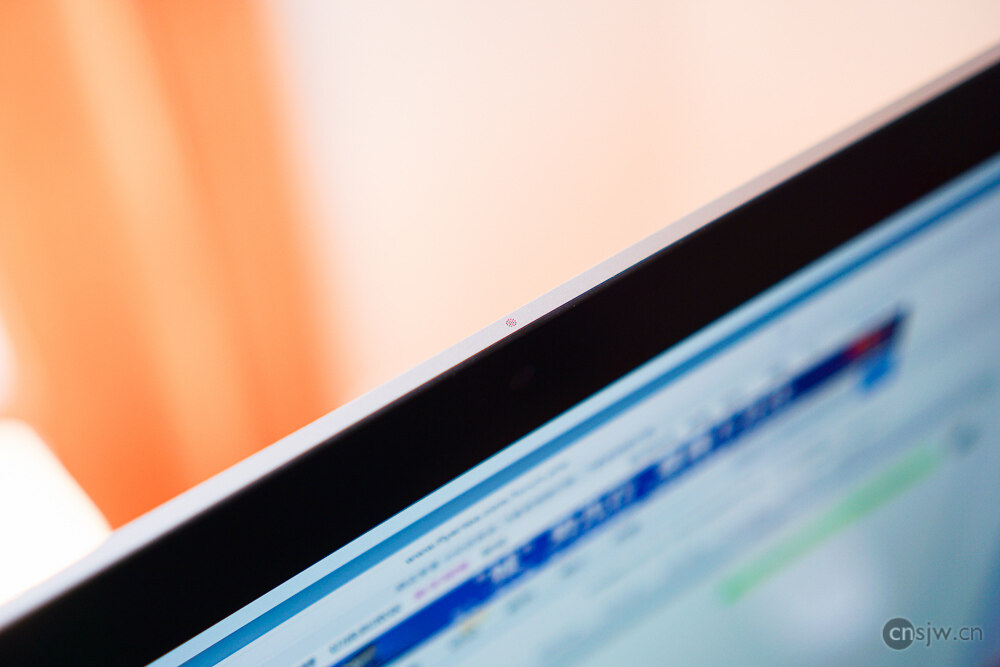
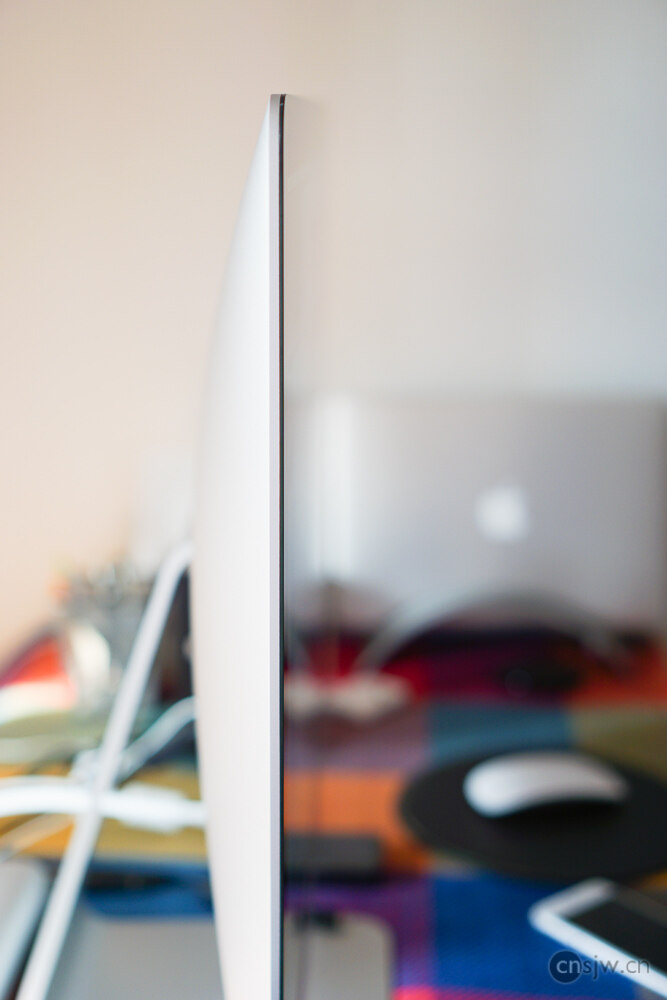
Compared to my old iMac from four years ago, it is obviously much thinner, but since this thin design has been around for a long time, there wasn’t much surprise. Moreover, when using it and looking from the front, you can’t really perceive this change in thickness at all.
Screen
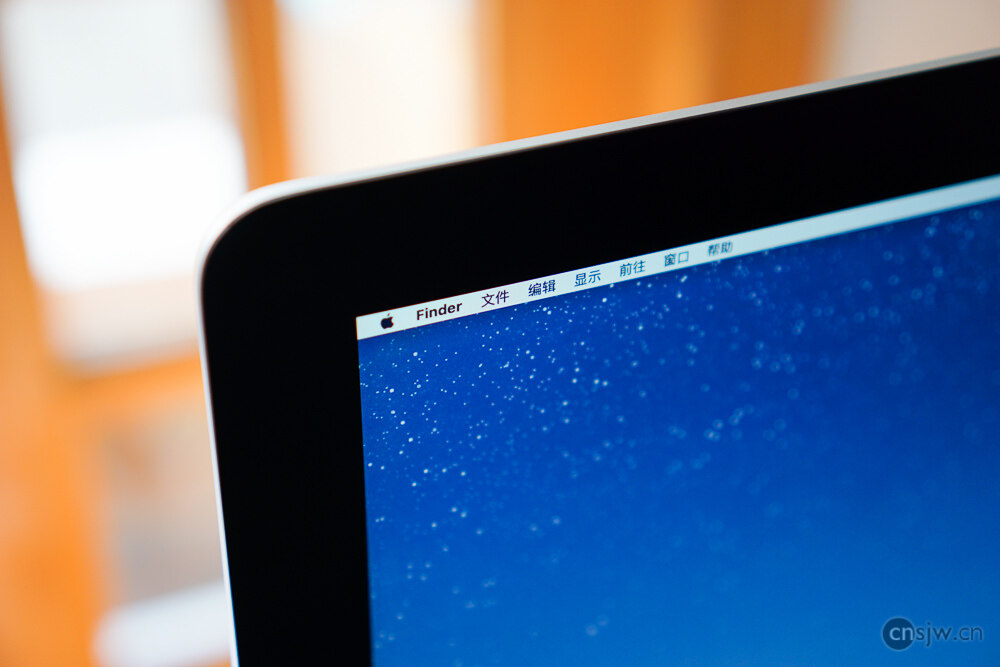
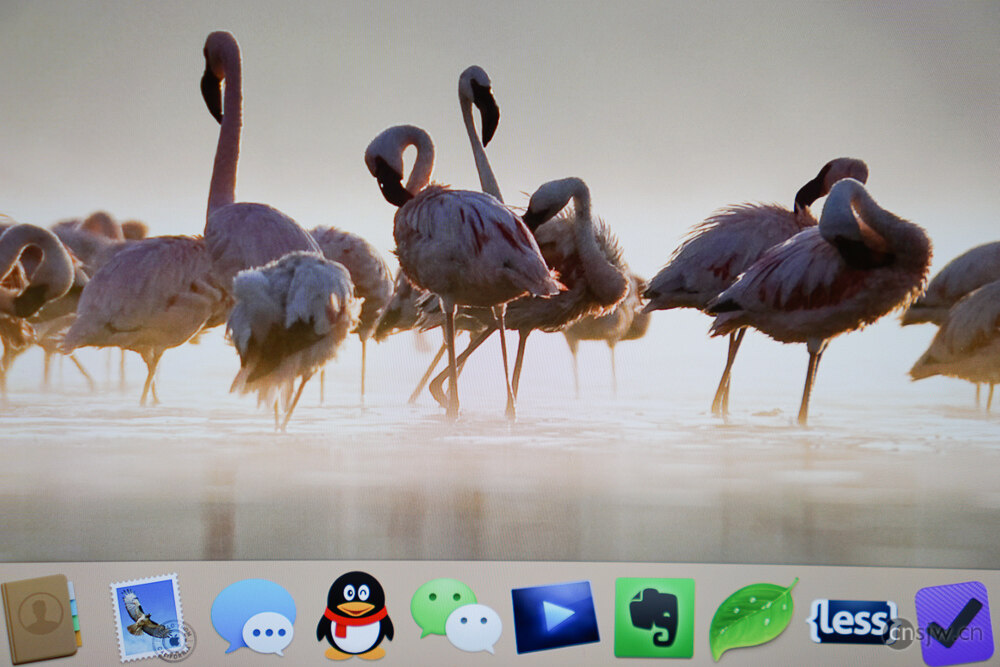
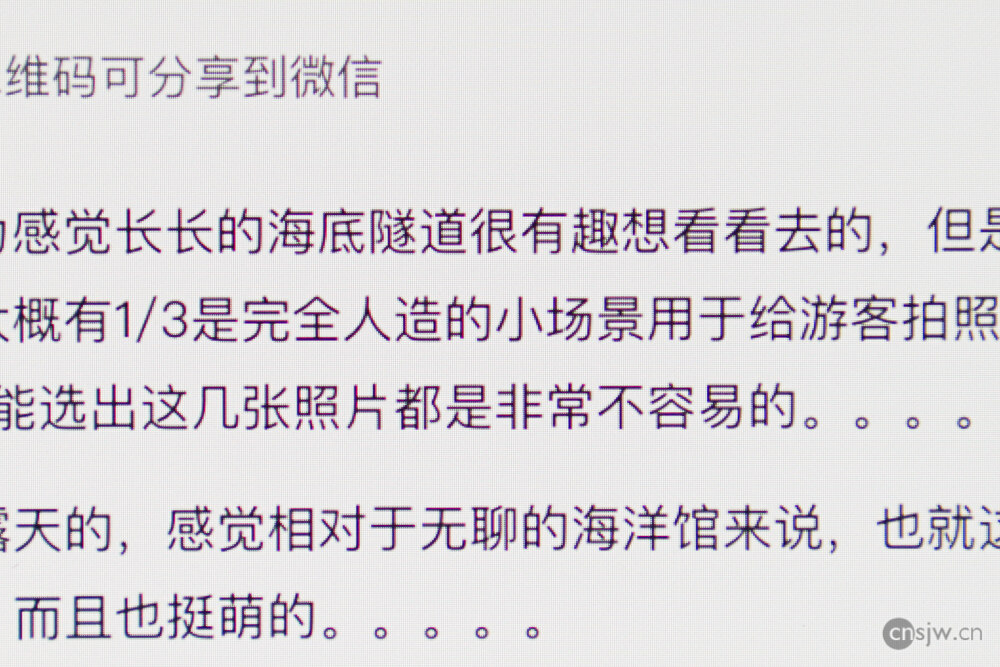
Since I had previously experienced the 5K iMac at the Apple Store, I didn’t actually have any special pursuit of a Retina display. After all, given the viewing distance, non-Retina iMacs don’t exhibit particularly noticeable pixelation either. However, the increase in physical screen resolution is a very meaningful upgrade. Previously, only 2560×1440 was available, but now there are two higher resolution options: 2880×1620 and 3200×1800. This is highly significant as it allows much more content to be displayed on the screen.

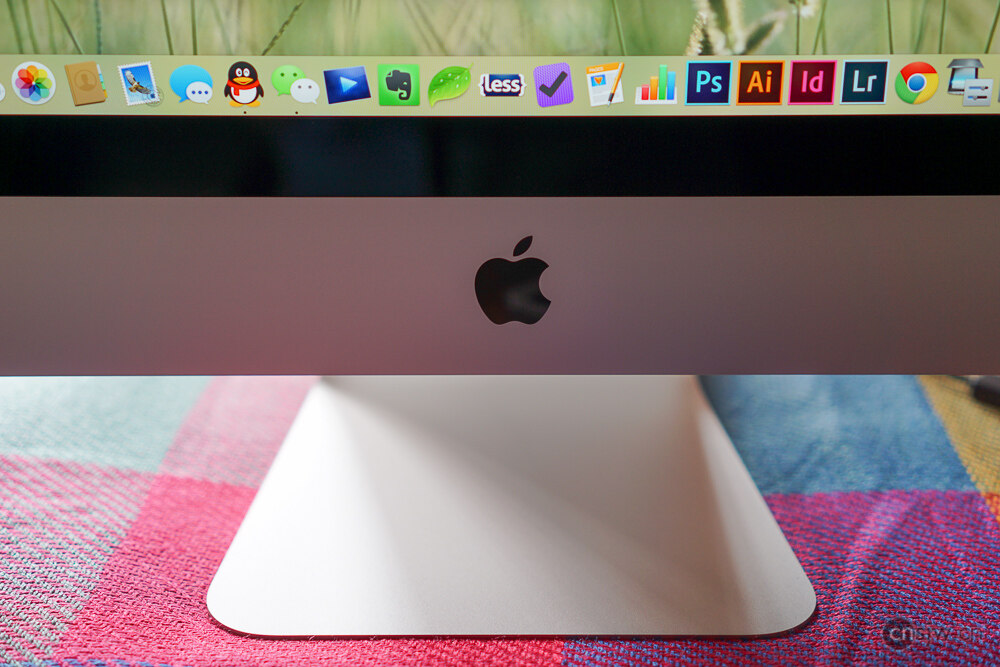
Having a Retina Display on a desktop computer that offers a print-quality viewing experience is truly delightful.
Accessories
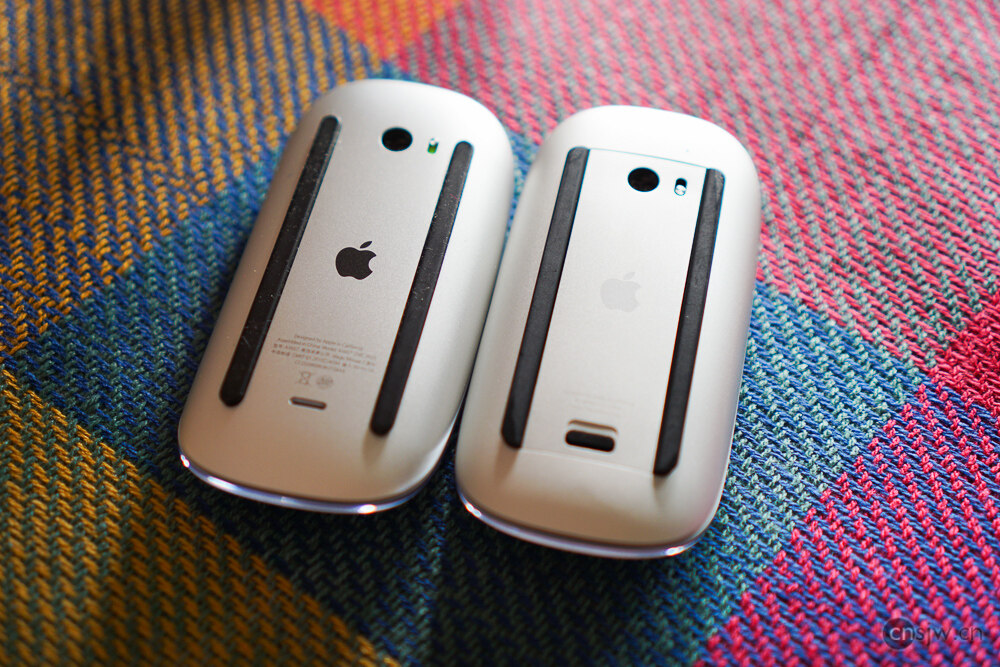
Another major change in this update is that the keyboard, mouse, and trackpad have all been upgraded to the 2nd generation. They have all switched from using AA batteries to built-in rechargeable lithium batteries, and uniformly adopted the Lightning port for charging. Consequently, each product’s individual packaging now includes a Lightning cable, and prices have increased accordingly…
The mouse has barely changed; whether in appearance, feel, or functionality, it is essentially identical to the previous generation.
However, the changes to the keyboard and trackpad are quite significant. First, regarding the keyboard: the key travel is even shorter than the previous generation. The typing feel is perhaps slightly better than a MacBook’s, but far from comparable to the feel of an MBP keyboard…
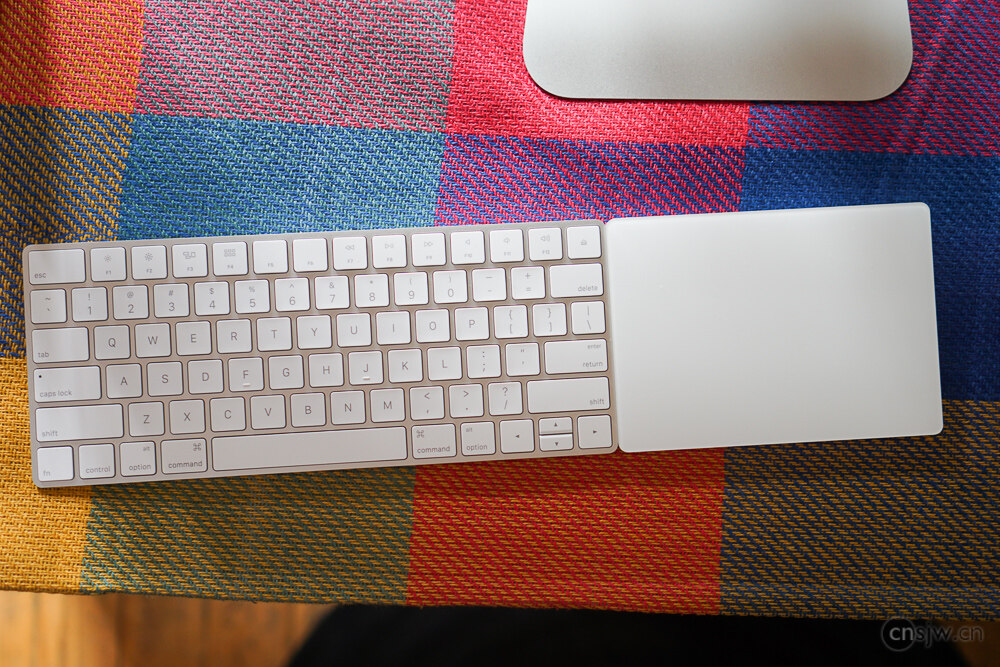
The changes to the trackpad, however, are very pleasing. It is significantly larger and now supports Force Touch, making the experience consistent with my MBP.

Memory
Given the current dirt-cheap memory prices, it’s quite stingy of Apple to still default to only 8GB of RAM even in the top-tier configuration. Fortunately, the 27-inch iMac allows for user-upgradeable memory. That said, I must mention that the default 1866MHz memory in the new iMac is genuinely hard to find; JD.com only stocks desktop versions, while laptop versions are only available at 1600MHz. Luckily, the roughly 10% speed difference is basically negligible, so I bought two 8GB sticks of 1600MHz memory, bringing the total to 24GB. However, the original factory stick will downclock to run at 1600MHz.
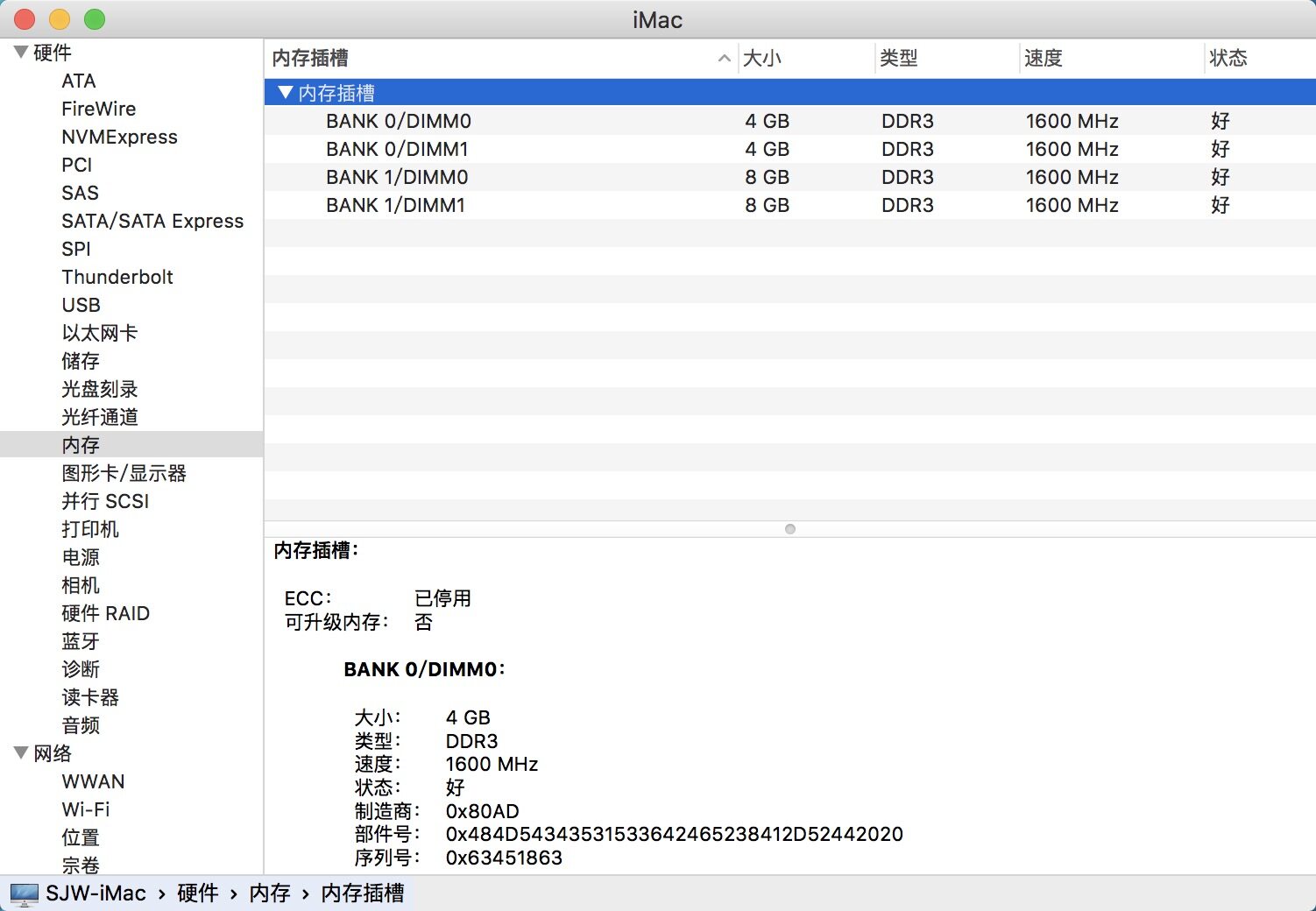
By the way, here’s how to upgrade the memory on the 27-inch iMac (as for the 21.5-inch model, forget about it~~).
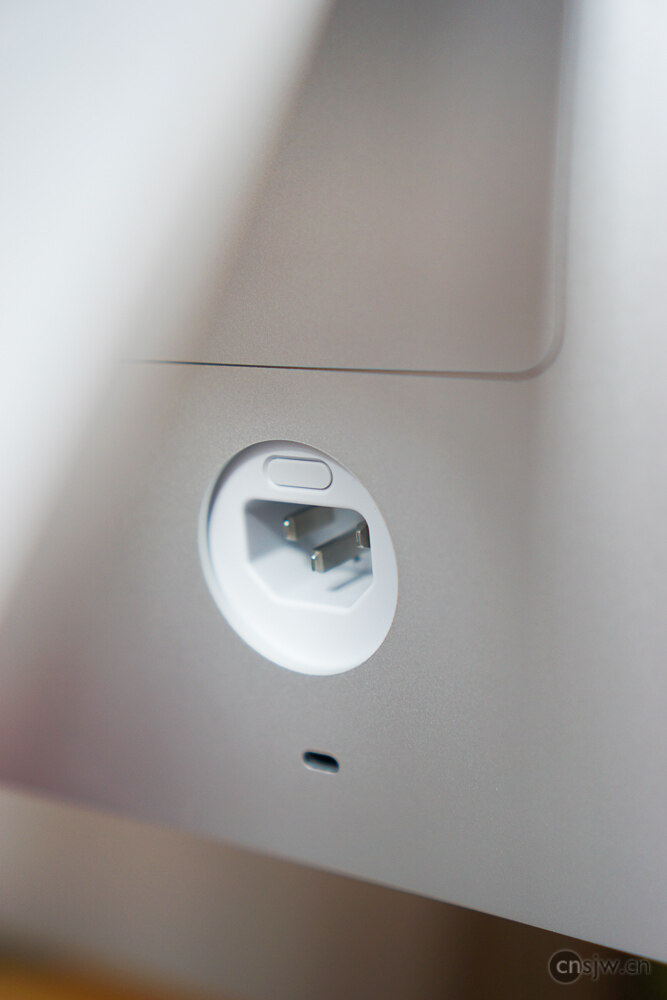
There is a button located above the power socket on the back; press it firmly, and the memory compartment cover will pop open.
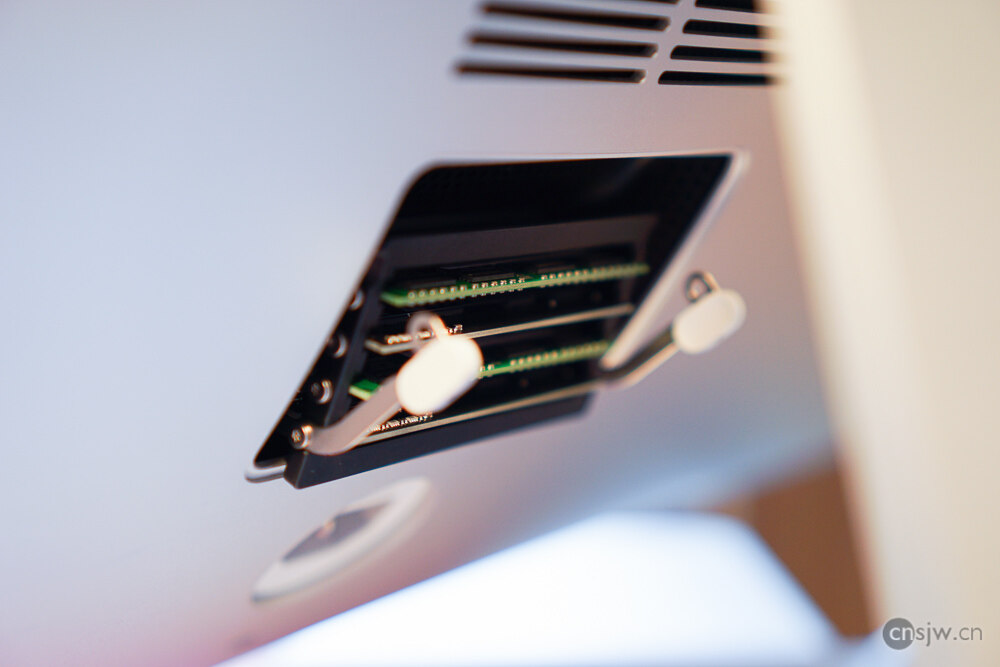
Then, simply follow the instructions on the back of the cover to insert the new memory modules~~~~
Impressions
My first impression is simply: fast… The entire boot process takes only 5 seconds—the Apple logo doesn’t even appear, nor does the progress bar; it goes straight to the desktop… Shutdown is also completed instantly…
And this is after all the data from my old computers had already been transferred over—it’s not even a brand-new machine.
Almost every application opens instantly, system animations are incredibly smooth, with absolutely no lag…
Also, the screen is genuinely amazing…
With this upgrade, the high-end configuration includes an extra 1TB hard drive compared to the mid-range model, plus upgrades to both the CPU and GPU, making it a very solid choice.
Photos in this post taken with a SONY A5100 + 35mm f/1.8, post-processed in Lightroom.

Support



Read this article on WeChat