
I used to use the Kindle 3rd generation, later known as the Kindle Keyboard, which is no longer available online…
I’ve used it for many years, and even after installing the Duokan firmware, it still felt like new~~~
Unfortunately, it’s quite outdated now; it doesn’t support Amazon.cn accounts, and the screen resolution is a bit low.
Coupled with its sluggish response, I finally decided to upgrade~~~
Differences between the Kindle Paperwhite and my old Kindle 3:
- CPU: K3: 532MHz, KPW: 1GHz, nearly doubled.
- Weight: K3: 247g, KPW: 209g, 40g lighter.
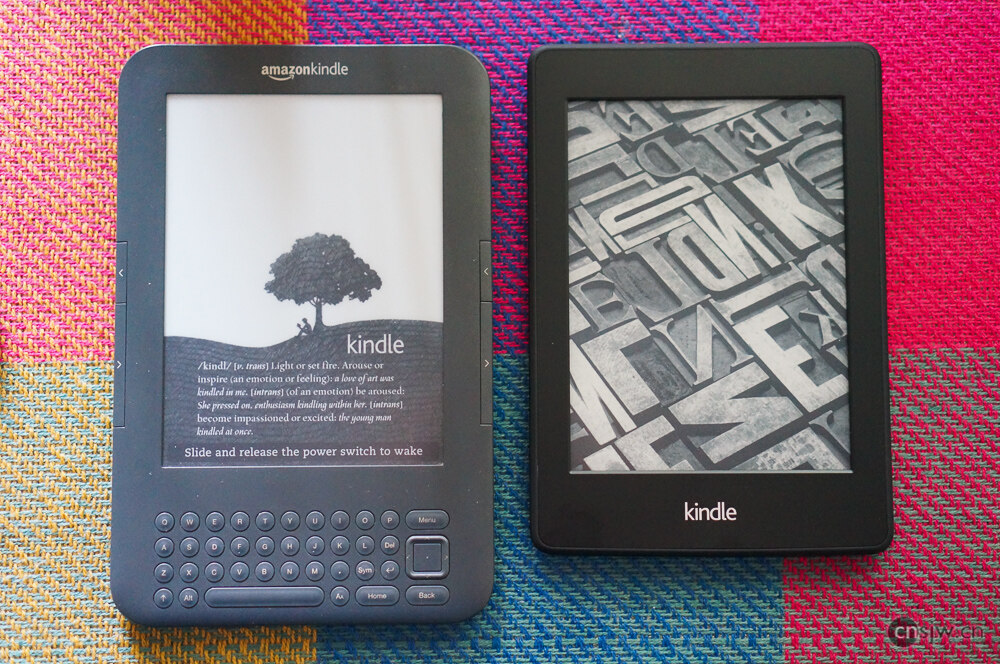
- Dimensions: K3: 191*122*9mm, KPW: 170*117*9mm, slightly smaller overall.
- Resolution: K3: 800*600 (167 PPI), KPW: 1024*768 (212 PPI)
- The screen now includes a backlight.
- Most importantly, it now supports domestic Amazon.cn accounts.
The Kindle Paperwhite has also recently been updated to a 4G version along with this batch of Kindles.
Here, let’s first discuss the differences between the Kindle Paperwhite 2nd Gen and 1st Gen:
- The 2nd Gen is 28 grams lighter than the 1st Gen.
- The 2nd Gen CPU was upgraded from 800MHz to 1GHz compared to the 1st Gen, touch sensitivity improved by 19%, and page-turning speed increased by 25%.
- The 1st Gen had uneven backlighting that couldn’t be turned off completely; the 2nd Gen features even backlighting that can be fully turned off at the lowest brightness setting.
- The 1st Gen performed a full refresh every 6 pages during partial page turns; the 2nd Gen is smarter, mostly using partial refreshes and only performing full refreshes on pages with large blank areas.
- The 2nd Gen added quick preview while turning pages, footnote pop-ups, and a Vocabulary Builder feature.
Additionally, there is now the premium Kindle Voyage available, featuring a screen resolution of up to 300 DPI and a lighter, thinner body,
smart adjustable backlighting, and comes with an original leather case charger and a 100 yuan book voucher.
Unboxing section below:
Packaging
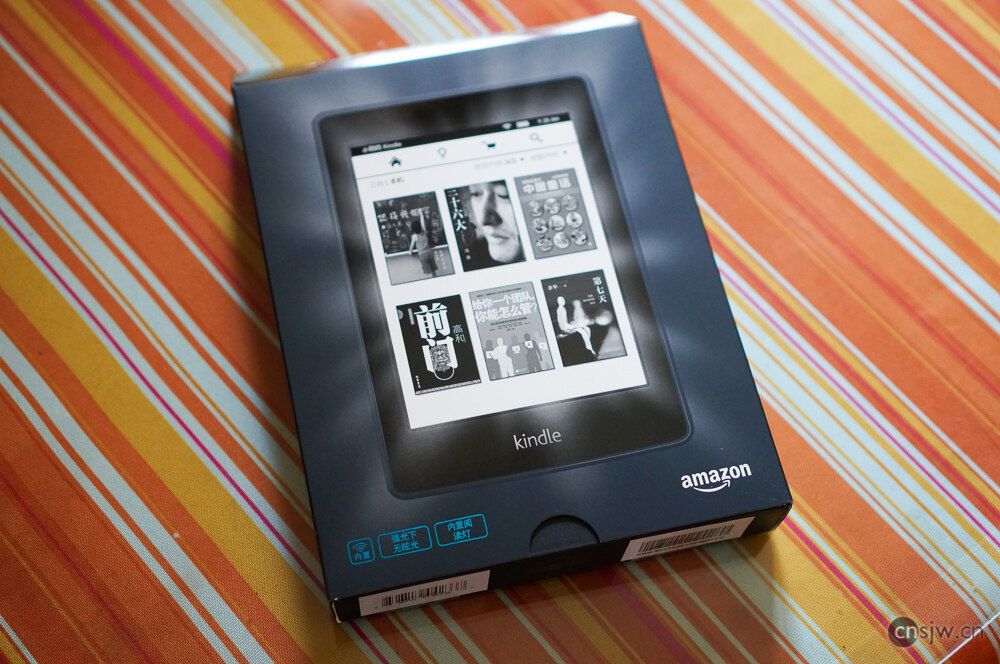
Simple eco-friendly packaging version
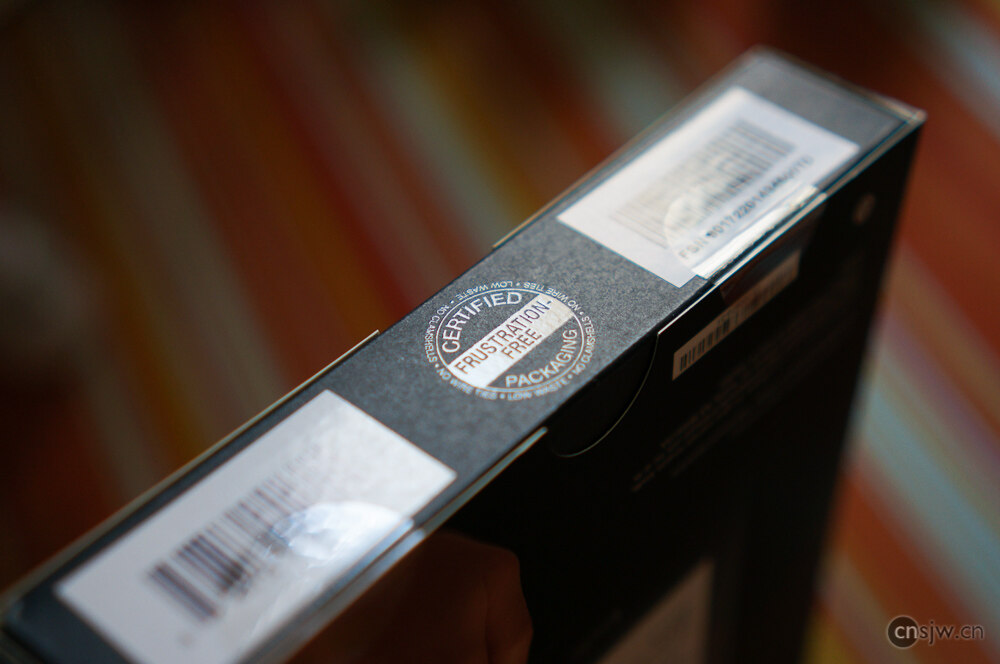
Tearing it open
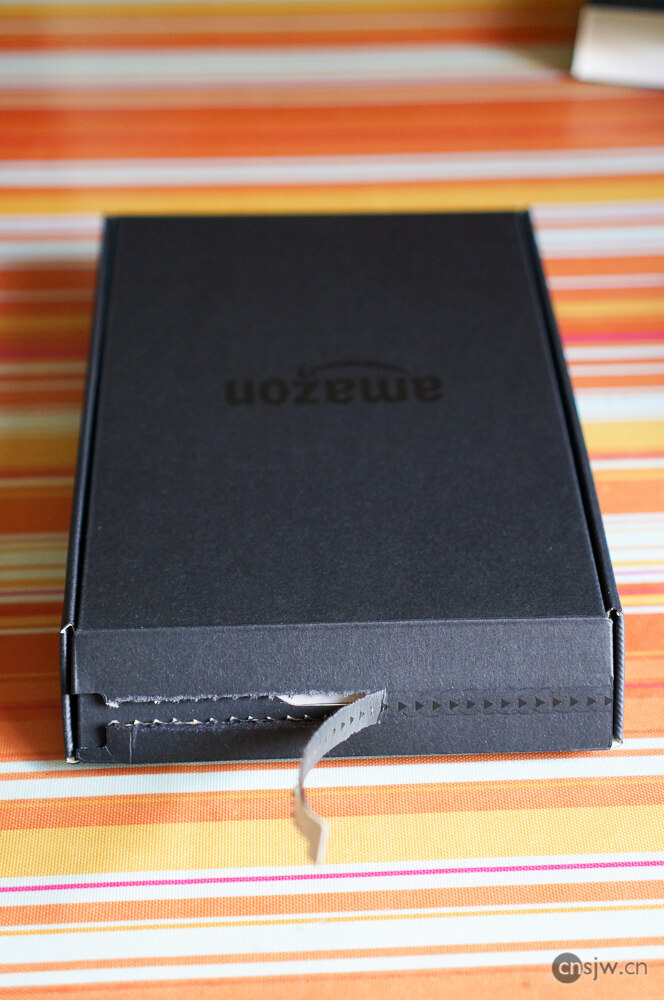
Revealing the true face
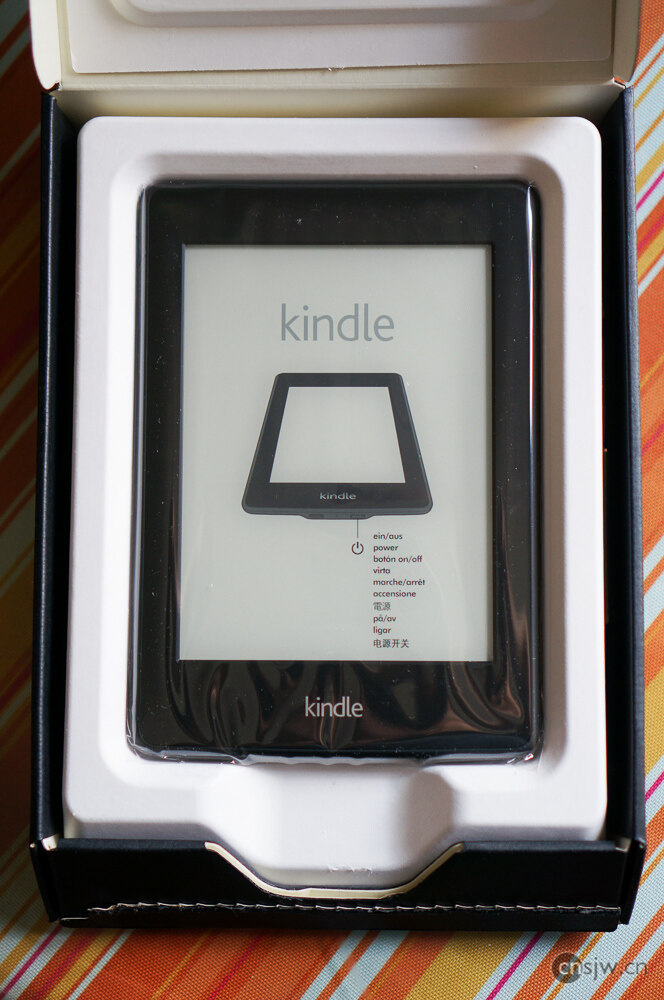
Press the power button, and the system starts up~~
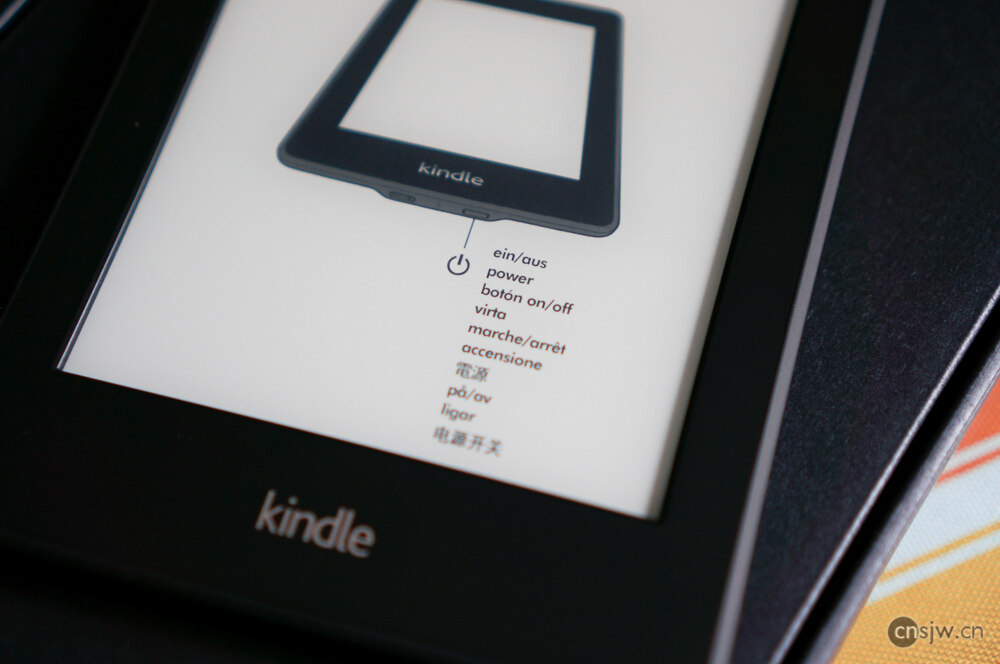
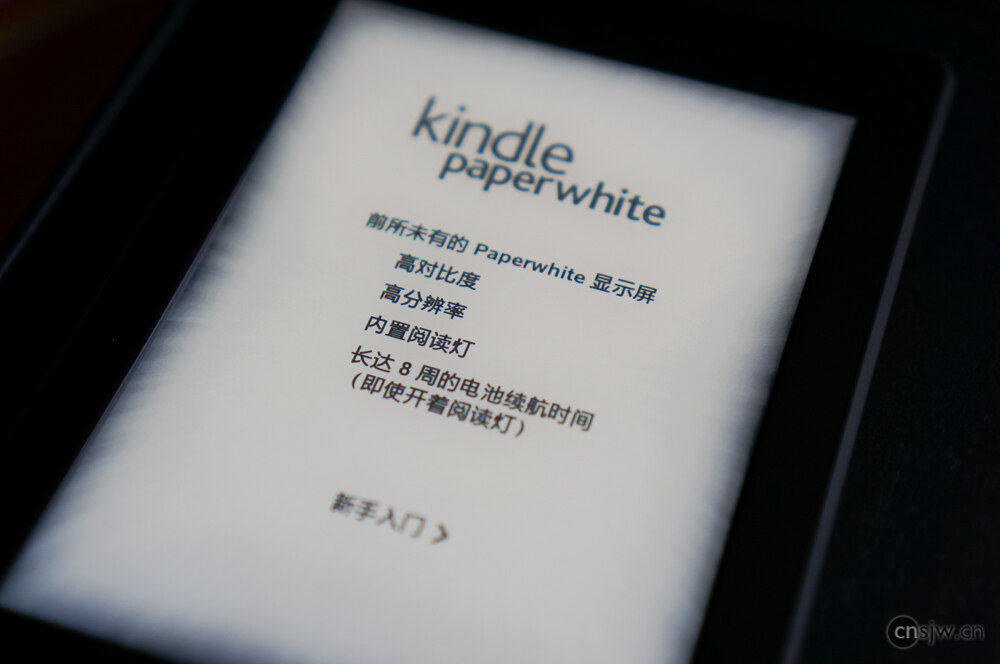
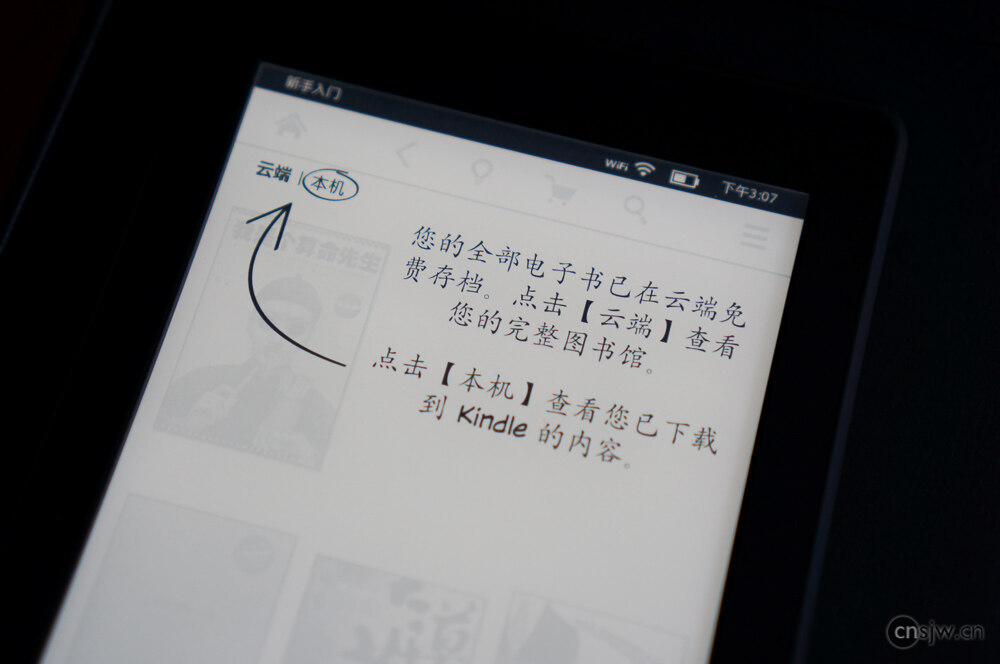
A very thoughtful beginner’s guide:
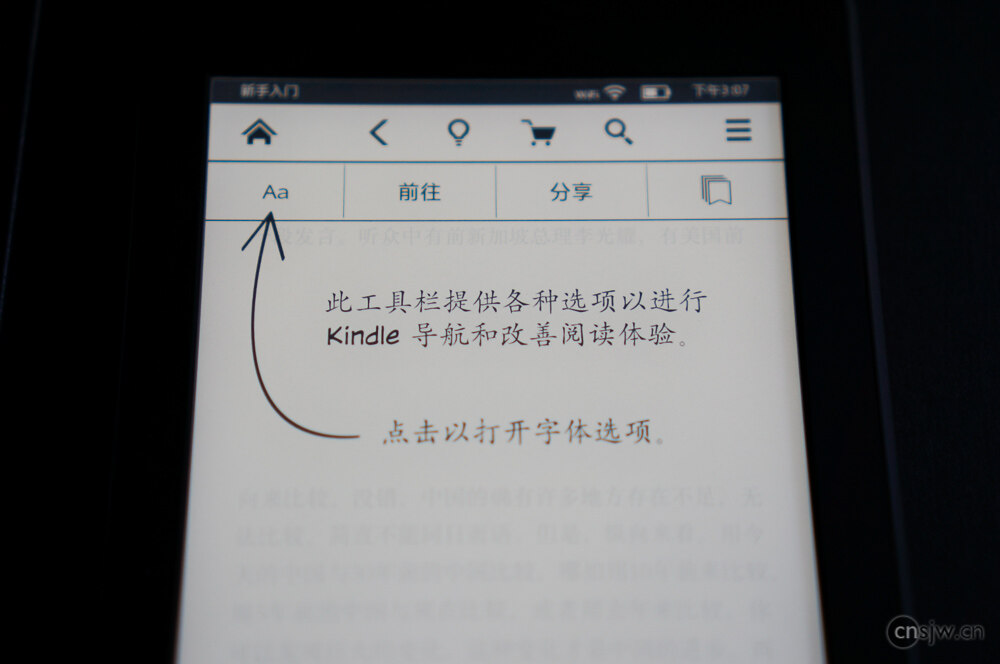
Let’s pick a random book to test it out
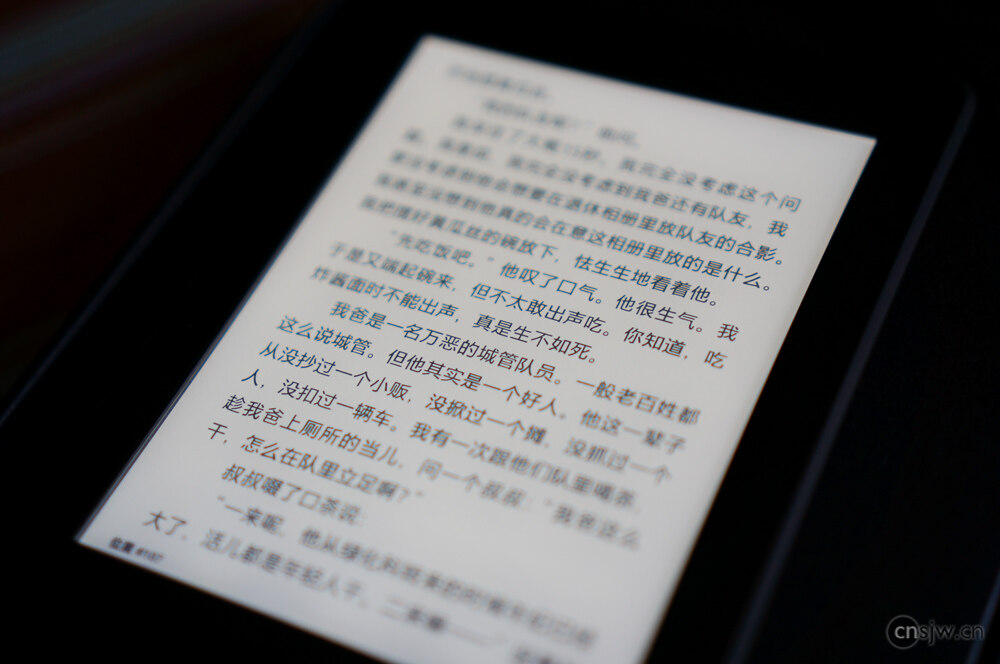
Home Screen
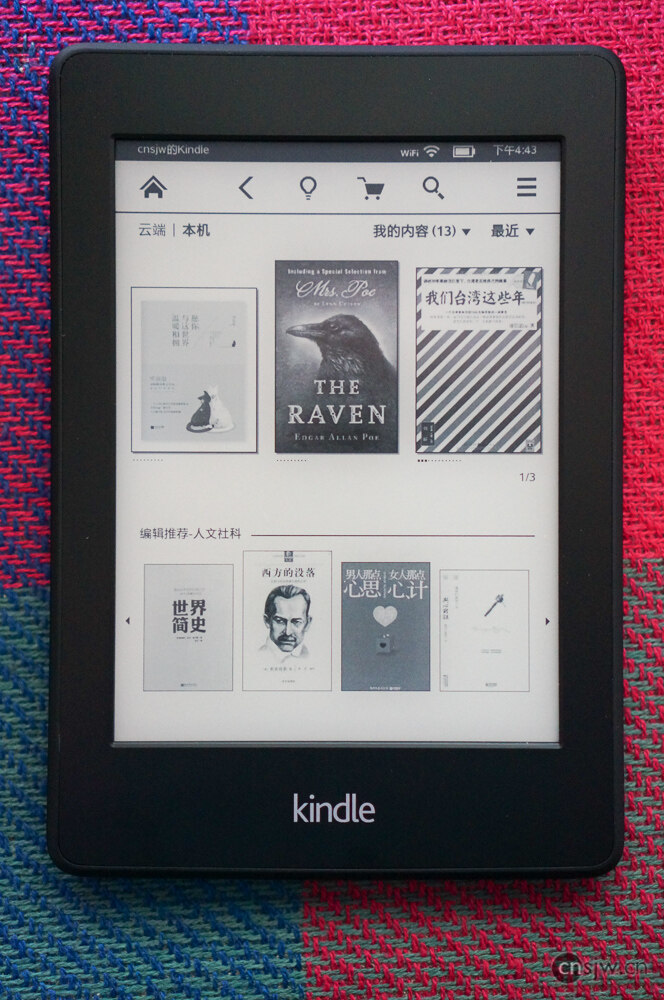
Screen display effect
Old vs. New Comparison
Photos in this post taken with SONY NEX-5R + 35mm f1.8, post-processed in Lightroom.

Support



Read this article on WeChat